
斜截式直线作图
几何画板及绘图内容加载中,请稍等……
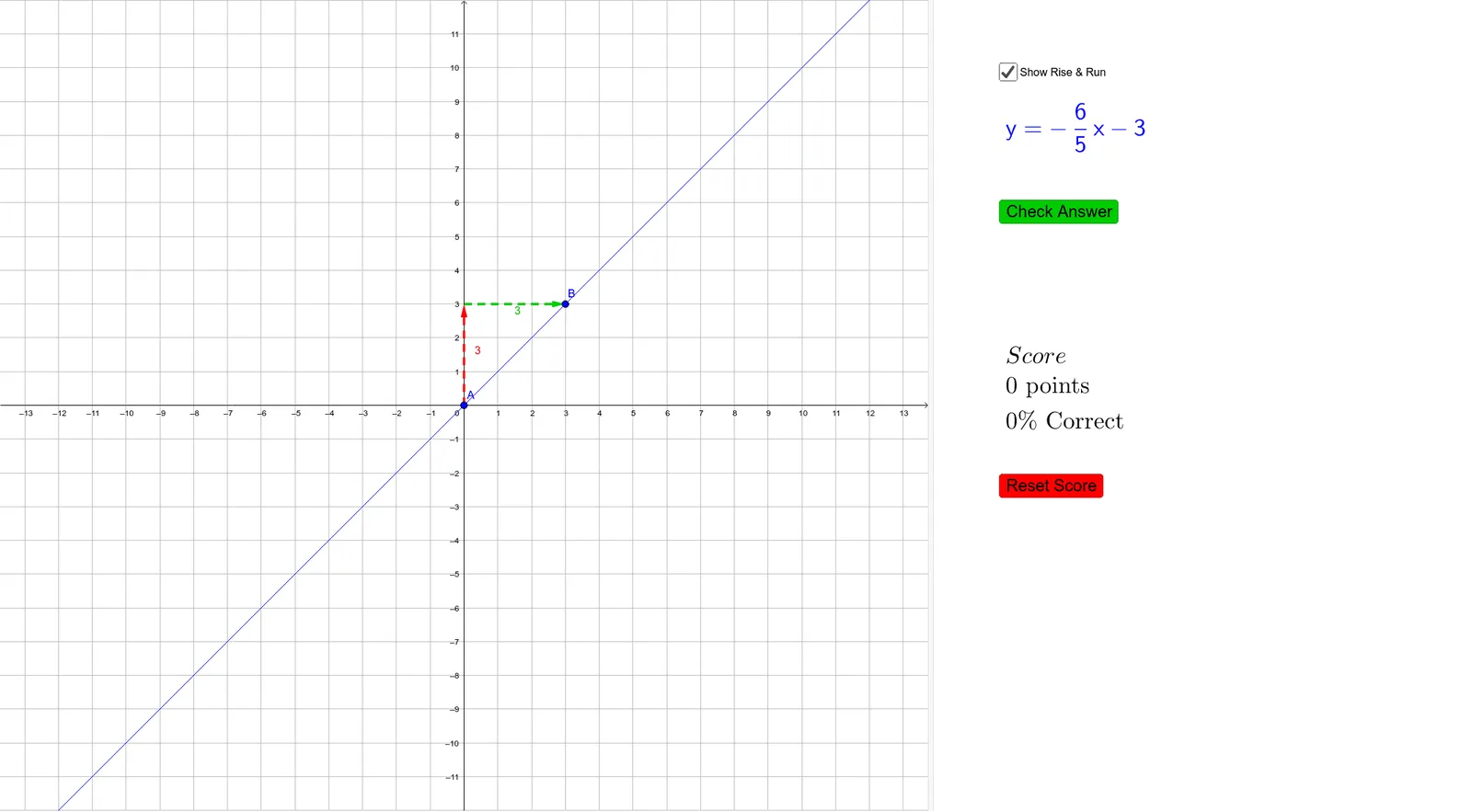
本范例演示如何使用斜截式方程作图。核心数学概念包括直线方程、斜率和截距。通过使用GeoGebra命令如Sequence、Line、RandomElement等,学生可以理解直线方程的构造过程。适合初中及以上学生学习直线方程和几何作图。
GeoGebra 命令及参数
Sequence(-12, -1) → negIntSequence(1, 12) → posIntLine(A, B) → myLineSequence(-8, 8) → possYIntRandomElement(If[reset ≟ true, possYInt]) → bLaTeX(If[m ≟ 1, "", If[m ≟ -1, "-", If[m > 0, FractionText[m], "-" + (FractionText[abs(m)])]]]) → slopeLaTeX(If[b ≟ 0, "y=" + slope + "x", If[b > 0, "y=" + slope + "x+" + b, "y=" + slope + "x" + b]]) → graphLineVector((x(A), y(B)), B) → runVector(A, (x(A), y(B))) → riseSegment(A, (x(A), y(B))) → riseLabelSegment((x(A), y(B)), B) → runLabelIf(checked ≟ true ∧ myLine ≟ correctLine, true, false) → isCorrectIf(qCount ≟ 0, 0, (Score * 100 / ((qCount * pointsPerQ)))) → percentCorrectText(RandomElement[CorrectTexts]) → CorrectText(If[Intersect[myLine, y = 0] ≟ (b, 0), Element[FeedbackTexts, 3], If[Slope[myLine] ≟ mReciprocal, Element[FeedbackTexts, 1], If[Slope[myLine] ≟ (-m), Element[FeedbackTexts, 2], RandomElement[IncorrectTexts]]]]) → Incorrect
AI 绘图提示语参考
绘制一条直线,该直线的斜率为-1,y轴截距为随机整数,范围在-8到8之间。首先,创建一个负整数序列和一个正整数序列,然后使用这两个序列中的一个随机数作为y轴截距。接着,使用斜率和y轴截距绘制直线。最后,添加表示斜率的向量和表示y轴截距的点。
以上提示语为根据原始绘图命令整理而来,仅供参考。