
分数可视化 by katharina_bachtrog
几何画板及绘图内容加载中,请稍等……
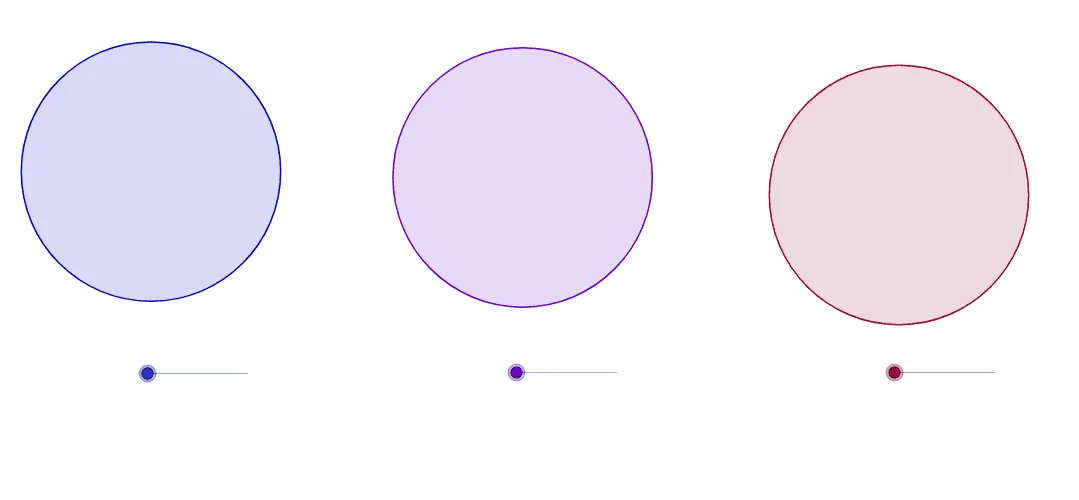
本范例通过滑块演示分数的可视化方法。涉及的核心数学概念包括分数表示、几何图形分割与比例关系。作图要点使用了GeoGebra的Circle(圆)、Point(点)、Line(线)、Intersect(交点)、Segment(线段)、Midpoint(中点)、OrthogonalLine(垂线)、CircleSector(扇形)、Semicircle(半圆)等命令和对象。适合初中及以上学生用于理解分数的几何意义和直观表示,也可用于数学教学演示。
GeoGebra 命令及参数
Circle(A, 4) → cPoint(c) → BLine(A, B) → aIntersect(c, a) → C, DSegment(C, D) → bMidpoint(b) → EOrthogonalLine(E, b) → dIntersect(c, d) → F, GSegment(F, E) → eSegment(E, G) → fMidpoint(e) → HMidpoint(f) → ICircle(J, 4) → hPoint(h) → KLine(J, K) → iIntersect(h, i) → L, MSegment(L, M) → jOrthogonalLine(J, j) → kIntersect(h, k) → N, OSegment(N, J) → lSegment(J, O) → mCircleSector(J, O, L) → pSemicircle(C, D) → qCircle(P, 4) → rPoint(r) → QLine(P, Q) → sIntersect(r, s) → R, SCircle(S, P) → tIntersect(r, t) → T, U, ,Segment(U, P) → a_1Segment(P, T) → b_1Segment(P, Q) → c_1CircleSector(P, T, Q) → d_1Semicircle(D, B) → gSemicircle(B, D) → e_1CircleSector(J, M, O) → f_1CircleSector(J, N, M) → h_1CircleSector(J, K, N) → k_1CircleSector(J, O, K) → p_1CircleSector(J, O, K) → q_1CircleSector(J, O, K) → r_1CircleSector(J, M, O) → s_1CircleSector(J, M, O) → t_1CircleSector(J, N, M) → c_2CircleSector(P, T, R) → g_1CircleSector(P, T, R) → d_2CircleSector(P, U, T) → e_2CircleSector(P, U, T) → f_2CircleSector(P, R, U) → g_2
AI 绘图提示语参考
绘制一个圆 c,然后在圆上取一点 B,连接圆心 A 和 B,与圆相交得到 C 和 D,连接 C 和 D 得到弦 b,取 b 的中点 E,作 E 的垂线 d,与圆相交得到 F 和 G,连接 F 和 E 得到 e,连接 E 和 G 得到 f,取 e 和 f 的中点 H 和 I。重复上述步骤,创建另一个圆 h,连接圆心 J 和 K,与圆相交得到 L 和 M,连接 L 和 M 得到 j,作 j 的垂线 k,与圆相交得到 N 和 O,连接 N 和 J 得到 l,连接 J 和 O 得到 m,创建圆弧 p,半圆 q,圆 r,连接圆心 P 和 Q,与圆相交得到 R 和 S,创建圆弧 t,半圆 g,半圆 e_1,圆弧 f_1,圆弧 h_1,圆弧 k_1,圆弧 p_1,圆弧 q_1,圆弧 r_1,圆弧 s_1,圆弧 t_1,圆弧 c_2,圆弧 g_1,圆弧 d_2,圆弧 e_2,圆弧 f_2。
以上提示语为根据原始绘图命令整理而来,仅供参考。