
分数加法示例
几何画板及绘图内容加载中,请稍等……
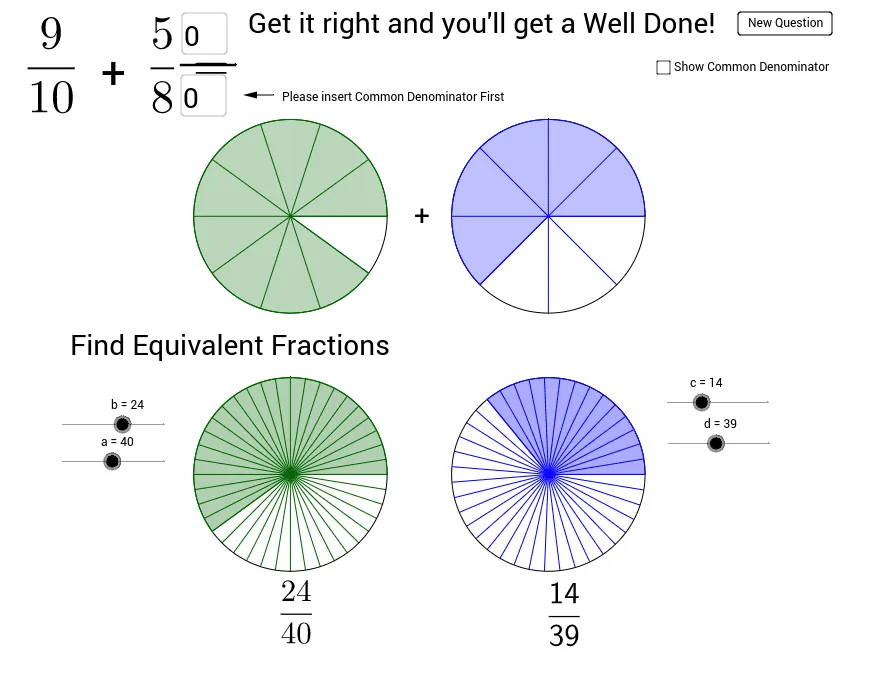
这是一个展示分数加法的示例。它涉及分数的基本概念和加法运算。通过使用GeoGebra命令如Random、Circle、Sequence等,可以动态地展示分数加法的过程。适合小学高年级或初中学生学习分数加法。
GeoGebra 命令及参数
Random(2, 10) → D1Random(2, 10) → D2Random(1, D1 - 1) → N1Random(1, D2 - 1) → N2Circle((5, 5), 1.5) → C1Sequence(Rotate[B, 360° * i / D1, (5, 5)], i, 1, D1) → list1Sequence(Segment[A, Element[list1, i]], i, 1, D1) → list2Sector(C1, B, Element[list1, N1]) → c_1Circle((9, 5), 1.5) → C2Sequence(Rotate[D, 360° * i / D2, (9, 5)], i, 1, D2) → list3Sequence(Segment[C, Element[list3, i]], i, 1, D2) → list4Sector(C2, C, Element[list3, N2]) → d_1Circle((5, 1), 1.5) → C3Circle((9, 1), 1.5) → C4Sequence(Rotate[F, 360° * i / a, E], i, 1, a) → list5Sequence(Segment[E, Element[list5, i]], i, 1, a) → list6Sector(C3, E, Element[list5, b]) → eCircle((5, 1), 1.5) → C5Sequence(LCM[D1, D2] * i, i, 1, 5) → PossibleSequence(Rotate[H, 360° * i / d, G], i, 1, d) → list7Sequence(Segment[G, Element[list7, i]], i, 1, d) → list8Sector(C4, G, Element[list7, c]) → gCircle(G, 1.5) → C6Textfield(ans5) → inputBox5Segment(M, N) → jIf(ans6 ∈ Possible, true, false) → STextfield(ans1) → inputBox1Vector(O, P) → u