
线段的相似变换 by John Williams
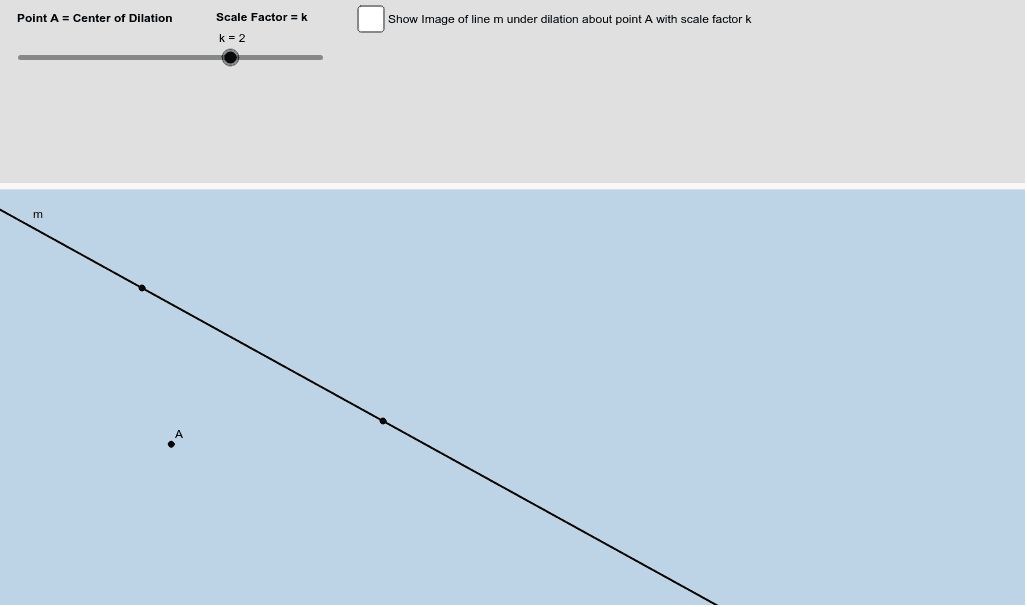
几何画板及绘图内容加载中,请稍等……
本范例演示了如何通过相似变换(放缩)来研究一条不过放缩中心的直线。核心数学概念包括相似变换、直线和放缩中心。使用了GeoGebra命令如Line, Dilate, Intersect等。适合高中几何课程使用。
GeoGebra 命令及参数
Line(B, C) → mDilate(m, k, A) → m'Intersect(m, t) → OLine(A, C) → fCircle(C, 2) → gIntersect(m', f) → ECircle(E, 2) → hIntersect(g, m, 2) → FIntersect(g, f, 2) → GIntersect(h, m', 2) → HIntersect(h, f, 2) → IIntersect(g, m, 1) → JIntersect(g, f, 1) → KCircleSector(C, F, G) → qAngle(F, C, G) → αAngle(J, C, G) → βCircleSector(C, J, G) → cIntersect(h, m', 1) → NDilate(C, 1 - i, E) → C'Vector(C, C') → uTranslate(q, u) → q'Translate(c, u) → c'Circle(A, 2) → e
AI 绘图提示语参考
画一条线段和它的放缩像,放缩中心不在线上。在线段外画一个圆,与放缩像和原始线段分别交于两点,再以这两点为圆心画圆。连接放缩中心和圆的交点,形成相似三角形。标注关键角度和扇形,并用向量表示放缩变化后的扇形平移。
以上提示语为根据原始绘图命令整理而来,仅供参考。