
创建线性方程组解决实际问题
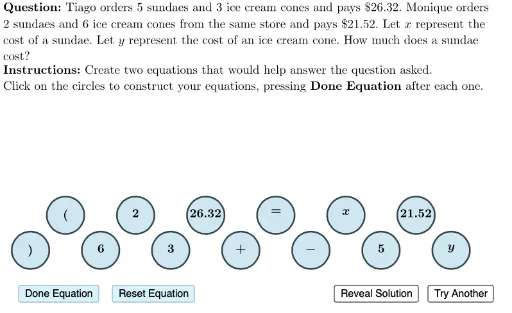
几何画板及绘图内容加载中,请稍等……
本范例演示如何通过创建线性方程组来解决实际问题。核心数学概念包括线性方程。主要使用了Element, Length, Join, Zip, Sequence等GeoGebra命令。适合初中及以上学生或教师使用。
GeoGebra 命令及参数
Element(questionList, questionListIndex) → questionNumElement(A2:A4, questionNum) → questionTextLaTeX((((("\text{" * QUESTION) * "\\") * INSTRUCTIONS) * "}")) → TEXTLength(B2) → C2Join({Sequence[(i, firstPointY), i, firstPointX, firstPointX + 36, 6], Sequence[(i, firstPointY + 3), i, firstPointX + 3, firstPointX + 36, 6]}) → pointListZip(Circle[A, 1.6], A, pointList) → circleListElement(B2:B4, questionNum) → itemListValsElement(circleList, 1) → circle1Element(circleList, 2) → circle2Element(circleList, 3) → circle3Element(circleList, 4) → circle4Element(circleList, 5) → circle5Element(circleList, 6) → circle6Element(circleList, 7) → circle7Element(circleList, 8) → circle8Element(circleList, 9) → circle9Element(circleList, 10) → circle10Element(circleList, 11) → circle11Length(B3) → C3Length(B4) → C4Element(D2:D4, questionNum) → correctEquation1Element(E2:E4, questionNum) → correctEquation2Element(circleList, 12) → circle12Element(circleList, 13) → circle13Sequence(Text[TableText[{{Element[itemListVals, Element[itemListOrder, i]], "\hphantom{00.00}"}}, "vc"], Element[pointList, i] + (-2.1, 0.9), false, true], i, 1, 13) → circleContents