
分数相加 by tmoorehead
几何画板及绘图内容加载中,请稍等……
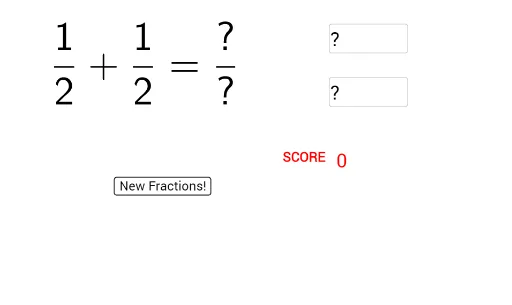
这个范例演示了如何通过图形方式理解分数相加的过程。核心数学概念包括分数和有理数。通过使用GeoGebra命令如Random、FractionText、Textfield等,用户可以动态地输入两个分数并观察它们的相加结果。适合小学高年级和初中学生使用,帮助他们更好地理解分数加法的概念。
GeoGebra 命令及参数
Random(1, 5) → num1Random(1, 5) → num2Random(2, 10) → den1Random(2, 10) → den2FractionText(frac1) → text1FractionText(frac2) → text2Textfield(num) → InputBox1Textfield(den) → InputBox2If(frac1 + frac2 ≟ num / den, "Correct!", "") → text4Text(score) → text5