
Writing Equations to Model Relationships (Part 1)
Loading the math board and drawing, please wait…
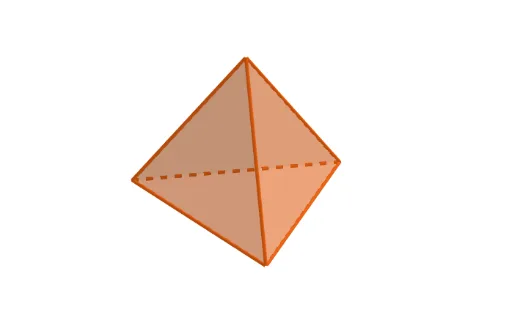
This example demonstrates how to model real-world relationships using equations. Key mathematical concepts include functions and coordinate geometry. GeoGebra commands such as Point and Tetrahedron are used to construct geometric shapes. Suitable for middle school mathematics education.
GeoGebra Commands & Parameters
Point(xAxis) → APoint(yAxis) → BPoint(Circle[Midpoint[A, B], (Distance[A, B] * sqrt(3) / 2), Segment[A, B]]) → CTetrahedron(A, B, C) → a, D, edgeCD, edgeBD, faceABC, faceACD, faceABD, faceBCD, edgeAC, edgeAB, edgeBC, edgeAD
AI Drawing Prompt Reference
On a coordinate plane, place two points on the x-axis and y-axis respectively as the base vertices. Then construct an equilateral triangle using the segment between these points as one side, with the third vertex positioned on one side of the segment. Finally, build a regular tetrahedron upward from this triangular base, ensuring all edges are equal in length. The resulting figure shows a three-dimensional solid with an equilateral triangle base and three lateral faces, illustrating spatial relationships in coordinate geometry.
The prompt above was compiled from the original drawing commands and is for reference only.