
Volume Over a Circle
Loading the math board and drawing, please wait…
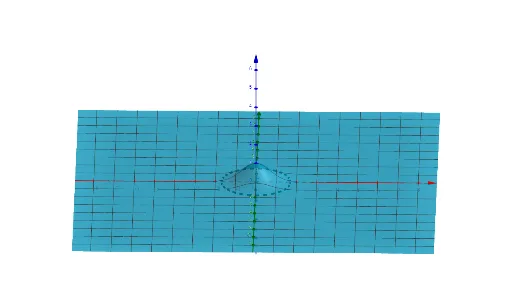
This example demonstrates constructing volume over a circle, illustrating volume formation through integration or geometric methods. Core math concepts include volume calculation, integration, circle properties, and coordinate geometry. It uses GeoGebra's CurveCartesian command to plot functions, defining parameters a and b. Suitable for high school and above students studying solid geometry and calculus for understanding volume computation and geometric modeling.
GeoGebra Commands & Parameters
CurveCartesian((a * cos(t)), (a * sin(t)), 0, t, 0, (2 * π)) → b
AI Drawing Prompt Reference
Draw a circle lying in the horizontal plane, centered at the origin with radius parameter a. Represent the circle as a smooth closed curve on the z=0 plane in a 3D coordinate system. The illustration should convey the concept of volume formation over this circle, such as by visualizing vertical columns or a surface rising above the circle. Include visible x, y, and z axes for spatial reference, and render the circle with shading or transparency to emphasize its 3D position. Focus on the circle's geometric properties as the base for volume calculation.
The prompt above was compiled from the original drawing commands and is for reference only.