
Volume of Revolution by David Douis
Loading the math board and drawing, please wait…
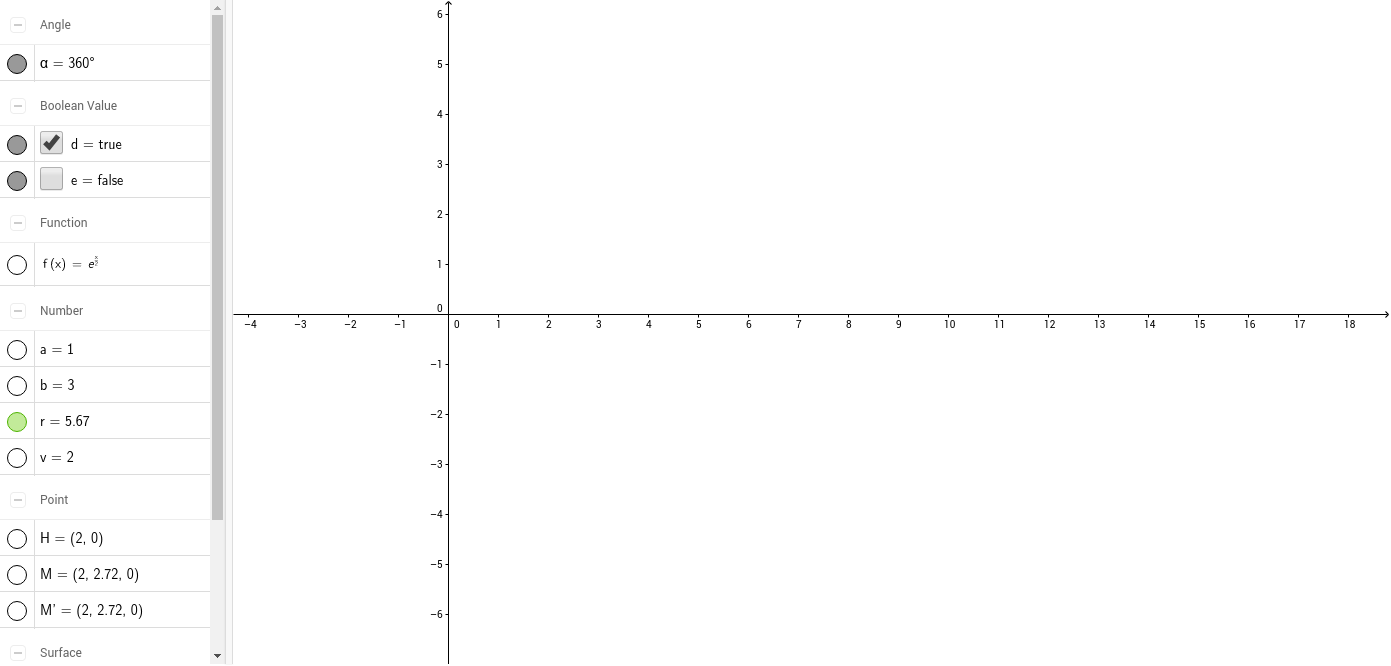
This example demonstrates how to create a solid of revolution for a given function and interval using integration. It involves core math concepts like integration, function graphing, and volume calculation. Constructed with GeoGebra commands like Textfield, Integral, and Surface, it is suitable for high school and above students learning calculus applications in geometry.
GeoGebra Commands & Parameters
Textfield(f) → inputBox1Textfield(a) → inputBox2Textfield(b) → inputBox3Integral(f, a, b) → rSurface(v, (f(v) * cos(β)), (f(v) * sin(β)), v, a, b, β, 0, α) → cSurface((v * cos(β)), f(v), ((-v) * sin(β)), v, a, b, β, 0, α) → y_rot
AI Drawing Prompt Reference
Create a solid of revolution for a given function f(x) over the interval [a, b]. First, input the function f(x), then input the start point a and end point b. Next, calculate the integral r, which represents the volume of the solid. Finally, draw two rotational surfaces c and y_rot, representing the solid formed by rotating around the x-axis and y-axis, respectively.
The prompt above was compiled from the original drawing commands and is for reference only.