
Volume of a Box by James McMullan
Loading the math board and drawing, please wait…
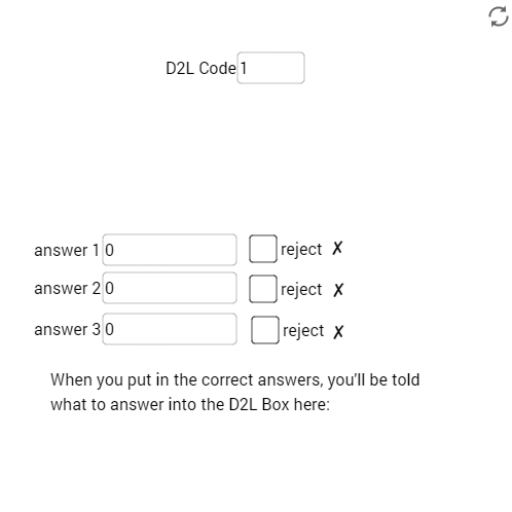
This example demonstrates how to calculate the volume of a box by changing its length, width, and height. Key mathematical concepts include volume calculation formulas. GeoGebra commands such as Random, Root, If, and Textfield are used to dynamically show volume changes. Suitable for middle school and above students learning solid geometry.
GeoGebra Commands & Parameters
Random(20, 40) → lRandom(1, 5) → gRandom(12, 20) → wRoot(f) → A, B, CIf((2 * x(A)) < w, false, true) → checkaTextfield(n1) → InputBox1Textfield(n3) → InputBox3Textfield(n2) → InputBox2Textfield(v) → InputBox4If((2 * x(B)) < w, false, true) → checkbIf((2 * x(C)) < w, false, true) → checkcIf((abs(n2 - x(B)) < 0.005) ∧ b ≟ checkb, "✓", "✘") → ans2If((abs(n3 - x(C)) < 0.005) ∧ c ≟ checkc, "✓", "✘") → ans3If((abs(n1 - x(A)) < 0.005) ∧ a ≟ checka, "✓", "✘") → ans1If(ans1 ≟ ans2 ≟ ans3 ≟ "✓", d, "") → h
AI Drawing Prompt Reference
Draw a rectangular prism with a length randomly between 20 and 40, a width between 1 and 5, and a height between 12 and 20. Use input boxes to enter the length, width, and height, and dynamically show the volume of the prism. Check if the entered values meet the conditions of the prism's edges, and display a checkmark if correct or an X if incorrect.
The prompt above was compiled from the original drawing commands and is for reference only.