
Visualizing Lunes of a Sphere
Loading the math board and drawing, please wait…
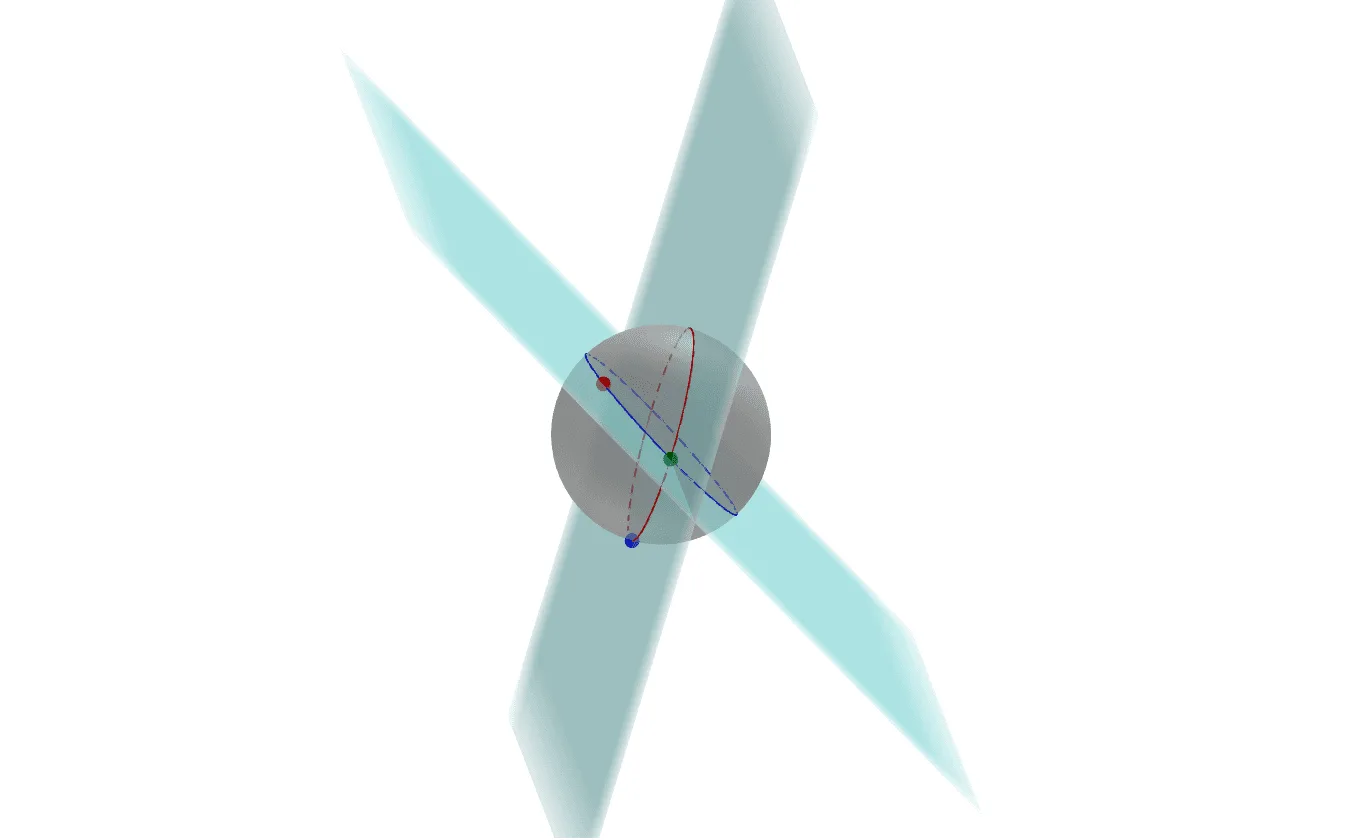
This example demonstrates how to visualize lunes on a sphere. It involves core mathematical concepts such as solid geometry, inequalities, and vector operations. The construction uses GeoGebra commands and objects like Sphere, PointIn, Vector, Circle, and Plane. Suitable for high school and above, for learning spatial geometry and geometric constructions.
GeoGebra Commands & Parameters
Sphere(Origen, 1) → aPointIn(a) → APointIn(a) → BPointIn(a) → CVector(Origen, A) → uVector(Origen, B) → vVector(Origen, C) → wCircle(Origen, 1, ucrossv) → cCircle(Origen, 1, vcrossw) → dPlane(A, B, Origen) → bPlane(Origen, B, C) → e
AI Drawing Prompt Reference
Visualize lunes on a sphere by drawing two intersecting circles created by planes perpendicular to pairs of vectors originating from the sphere's center, and two more circles formed by planes perpendicular to triplets of vectors, highlighting the relationship between these circles and the sphere to illustrate solid geometry and vector operations.
The prompt above was compiled from the original drawing commands and is for reference only.