
Visualizing a Volume of Revolution
Loading the math board and drawing, please wait…
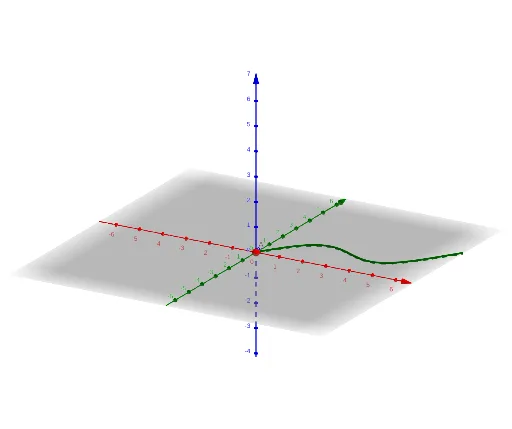
This example demonstrates how to generate a 3D volume of revolution by rotating a 2D shape. It involves core math concepts like volume calculation of solids of revolution, coordinate geometry, function graphing, and 3D surface plotting. Construction highlights include using GeoGebra commands/objects such as Textfield, Circle, Surface, and Segment. Suitable for high school students and above learning calculus and solid geometry, or for educational demonstrations.
GeoGebra Commands & Parameters
Textfield(b) → InputBox1Textfield(d) → InputBox2Textfield(f) → InputBox3Circle(xAxis, A) → cSurface(g, rangle, xAxis) → eSegment(A, (x(A), 0)) → h
AI Drawing Prompt Reference
Create a 3D volume of revolution by rotating the function f(x) around the x-axis. First, input the function expression, then draw point A on the x-axis, followed by a segment from point A to the x-axis, and finally generate the surface of the volume.
The prompt above was compiled from the original drawing commands and is for reference only.