
Unit Vectors and Normalization: Visualizing Vector Direction
Loading the math board and drawing, please wait…
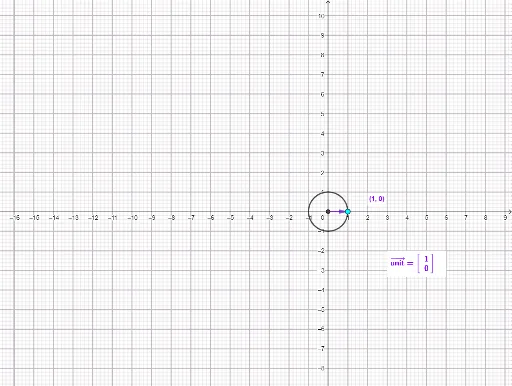
① This interactive example demonstrates how to normalize any vector into a unit vector, visually showing that the direction remains unchanged while the magnitude becomes 1. ② Core mathematical concepts include vector magnitude (length), unit vector definition, the normalization formula (v/|v|), and the relationship between vectors and intersections with a circle. ③ Construction highlights: using GeoGebra commands such as Intersect (to find the intersection of the vector with the unit circle), Circle (to construct the unit circle), Point (to define the vector's start), Vector (to draw the vector), and Segment (to connect points), along with the UnitVec command to generate the unit vector. Dynamic buttons (button1) and text objects (text1 to text11) display numerical comparisons before and after normalization. ④ Suitable for high school or early college students learning vector basics, and for teachers demonstrating the geometric meaning of vector direction and length in classroom settings.
GeoGebra Commands & Parameters
Intersect(xAxis, yAxis) → ACircle(A, 1) → cPoint(c) → CVector(A, B) → DYNVector(A, C) → UnitVecSegment(A, (32, 16)) → VlineSegment(A, B) → DYNlineIntersect(c, DYNline) → UnitDYNInter,Vector(A, UnitDYNInter) → VectInterCircle