
Unit Circle (Part 2) Practice: Trig Values from the Geometry
Loading the math board and drawing, please wait…
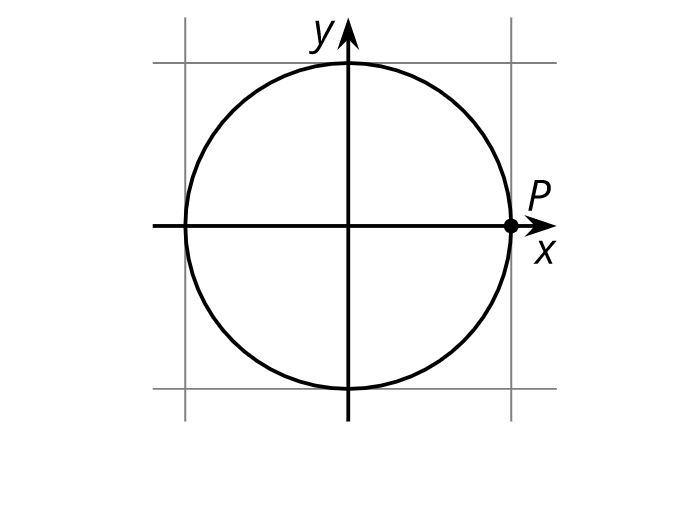
This example demonstrates how, on the unit circle, a rotating angle maps to a point whose coordinates directly represent trigonometric values. As the angle parameter varies (commonly in radians through 0 to 2π), you can read off cosine and sine from the x- and y-coordinates of the corresponding point on the circle, reinforcing the geometric meaning of trig functions. Key concepts include the unit circle, angle/radian parameterization, sin/cos definitions via coordinates, and the relationship between angle as an input and trig quantities as outputs (often linked to function-graph intuition). The provided GeoGebra “construction summary” is empty, so no exact GeoGebra commands/objects can be extracted; however, the typical construction involves drawing the unit circle, creating an angle and a point on the circle, and labeling coordinates or trig values, often with an angle slider. Suitable for upper secondary through early undergraduate learners, especially for interactive practice and conceptual review of trigonometry.
AI Drawing Prompt Reference
Draw a unit circle and mark a point on the circle that moves with an angle. The angle ranges from 0 to 2π, and the point's x-coordinate represents the cosine value, while the y-coordinate represents the sine value. Label the angle and corresponding coordinates to help understand the geometric meaning of trigonometric functions.
The prompt above was compiled from the original drawing commands and is for reference only.