
Unit Circle (Part 1): Geometric Symmetry and Basic Trig Setup
Loading the math board and drawing, please wait…
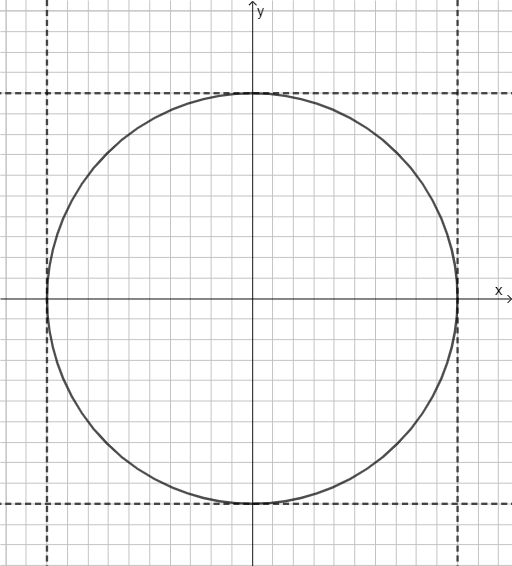
This GeoGebra example demonstrates how to build and visualize the unit circle geometry and how its symmetry helps connect angles with corresponding points and basic trigonometric ideas. The key concepts include the unit circle (centered at the origin with radius 1), fundamental circle geometry, and the geometric interpretation underpinning trigonometric functions. Construction-wise, the provided command summary shows the use of GeoGebra’s Circle tool to create the circle object (c). It also relies on equation objects (eq1, eq2) to encode constraints that govern the configuration, together with auxiliary objects (f, g), typically linked to the angular position or derived quantities, to update the drawing interactively. Suitable for middle school to high school learners introducing trigonometry via geometry, and for anyone using interactive visualization to grasp the unit-circle foundation.
GeoGebra Commands & Parameters
Circle((0, 0), 10) → c
AI Drawing Prompt Reference
Draw a base unit-circle geometry figure by creating a circle centered at the origin with radius 10. Emphasize the circle’s symmetry about its center, as the visual foundation for linking angles to corresponding points on the circle. Construction order: first fix the origin as the center, then construct the circle using that point and the given radius to obtain the main circular outline.
The prompt above was compiled from the original drawing commands and is for reference only.