
Unit Circle by Andrea Guerra
Loading the math board and drawing, please wait…
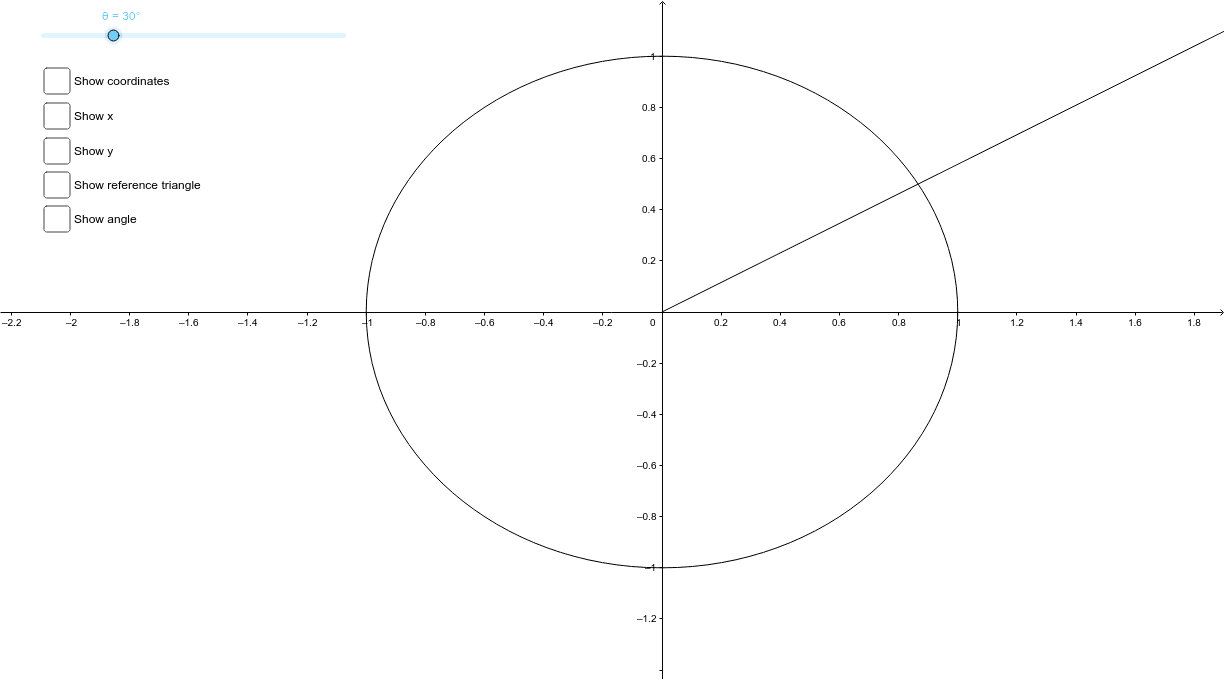
This example uses a slider to adjust the angle θ and demonstrates the corresponding point on the unit circle. Key mathematical concepts include trigonometry and angles. GeoGebra commands used include Ray, Rotate, Angle, OrthogonalLine, Intersect, Segment, and Polygon. Suitable for high school math education and learning.
GeoGebra Commands & Parameters
Ray(O, A) → aRotate(A, θ, O) → A'Angle(A, O, A') → αRay(O, A') → bOrthogonalLine(A', d) → eIntersect(d, e) → BSegment(A', B) → fSegment(O, B) → gPolygon(O, A', B) → poly1, b_1, o, a'
AI Drawing Prompt Reference
Draw a unit circle with a slider to adjust the angle, showing the corresponding point on the circle. Start with a ray from the center, rotate it by the slider's angle to get another point. Connect these three points to form a triangle. Draw a perpendicular line from the rotated point to the initial ray, intersecting the circle at another point. Connect the rotated point to this intersection and the center to form a quadrilateral.
The prompt above was compiled from the original drawing commands and is for reference only.