
UNIT 2 LESSON 5:Equation and Geometric Construction Practice
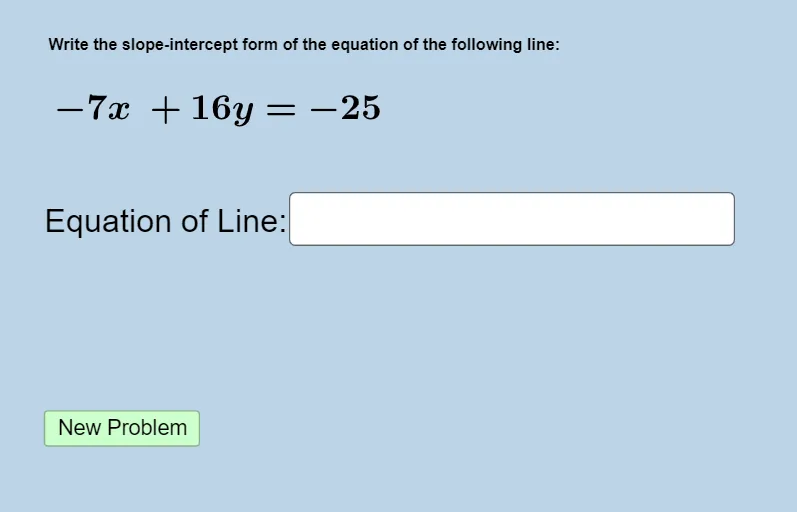
Loading the math board and drawing, please wait…
In collections
UNIT 2 LINEAR FUNCTIONS
This example demonstrates how to draw equations using GeoGebra, focusing on concepts like equation solving, geometric construction, and parametric representation. Key construction steps involve using Sequence, Union, RandomElement, and other commands to generate random points, along with textfield and InputBox for interactive elements. Suitable for middle or high school math teaching to practice equation and geometry integration.
GeoGebra Commands & Parameters
Sequence(i, i, -20, -1, 1) → leftlistSequence(i, i, 1, 20, 1) → rightlistUnion(leftlist, rightlist) → randomlistRandomElement(randomlist) → aRandomElement(randomlist) → bRandom(-30, 30) → cTextfield(f) → InputBox1FractionText(((-a)) / b) → text4FractionText(c / b) → text5
AI Drawing Prompt Reference
Draw a graph with two lines and a parametric curve. First, create two sequences of integers from -20 to 20, merge them into a random list. Then, randomly select two elements a and b, and a random number c from the list. Construct the line equations y = (-a)/b and y = c/b using a and b, and display the slopes and intercepts of these equations in the graph.
The prompt above was compiled from the original drawing commands and is for reference only.