
Trigonometric Ratios in Random Triangles
Loading the math board and drawing, please wait…
In collections
Trigonometry on a right angle triangle
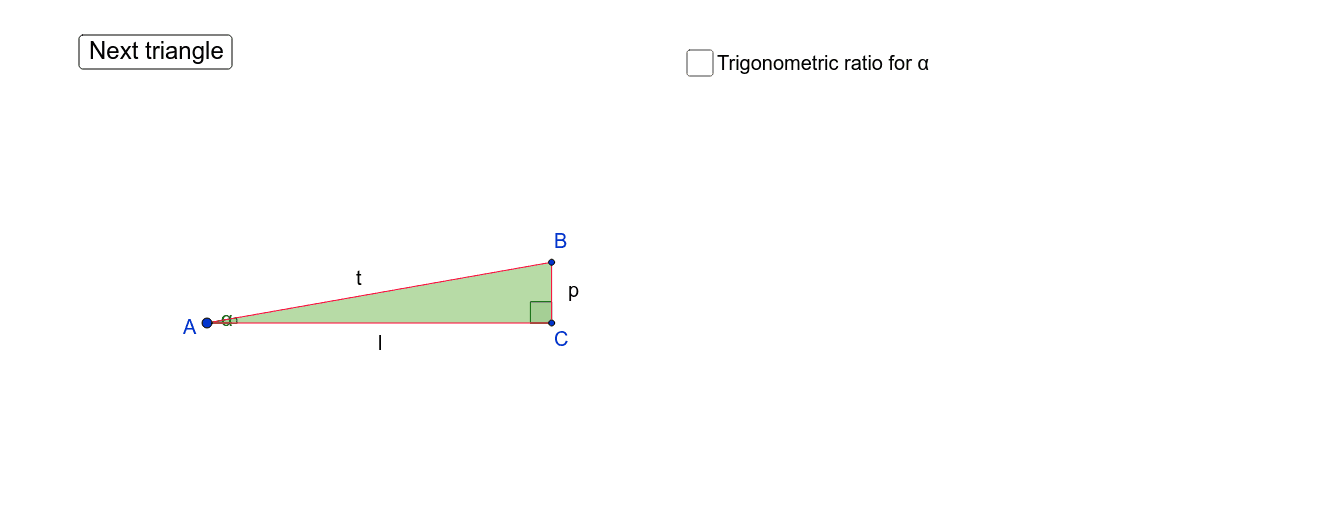
This GeoGebra example visualizes trigonometric ratios within a dynamically generated random triangle. It covers core mathematical concepts such as sine, cosine, and tangent definitions relative to triangle sides and angles. The construction employs commands including Segment, Angle, Polygon, Midpoint, Shuffle, and Element to ensure randomness and interactivity. Ideal for high school mathematics education, facilitating intuitive understanding of trigonometric functions in geometric settings.
GeoGebra Commands & Parameters
Segment(A, C) → aSegment(C, B) → bSegment(B, A) → cAngle(B, C, A) → βPolygon(A, B, C) → poly1, c_1, a_1, b_1Angle(C, A, B) → αMidpoint(c) → DMidpoint(a) → EMidpoint(b) → FShuffle({"o", "d", "t", "k", "u", "r"}) → ListABShuffle({"m", "f", "l", "i", "v", "q"}) → ListACShuffle({"n", "e", "s", "j", "w", "p"}) → ListBCElement(ListAB, 1) → TextABElement(ListBC, 1) → TextBCElement(ListAC, 1) → TextAC