
Trig Ratios and Similar Triangles Introduction
Loading the math board and drawing, please wait…
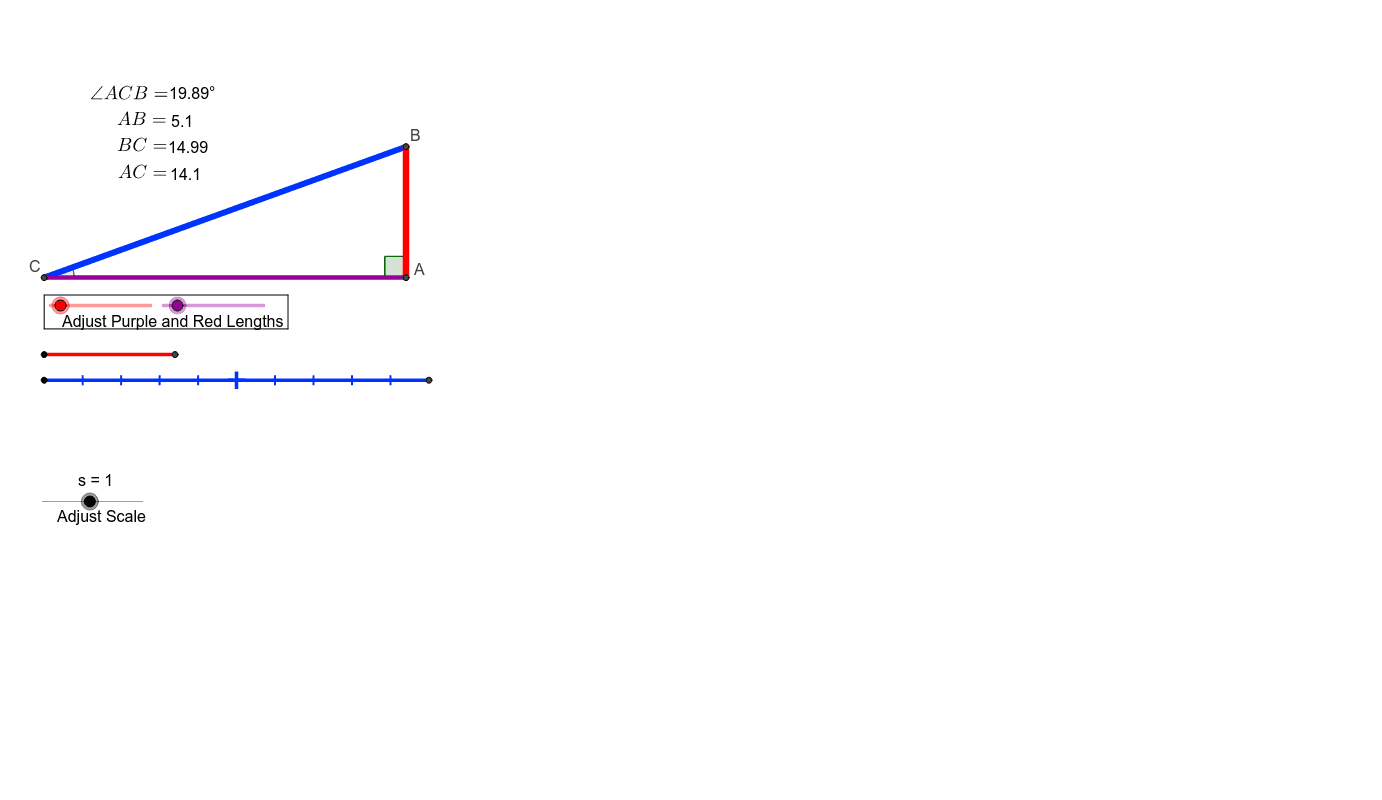
This example demonstrates the concepts of trigonometric ratios and similar triangles using GeoGebra. Main GeoGebra commands used include Intersect, Segment, Point, OrthogonalLine, Polygon, and Angle. Suitable for middle and high school students learning about trigonometric ratios and similar triangles.
GeoGebra Commands & Parameters
Intersect(b, d) → AIntersect(xAxis, yAxis) → BSegment(B, A) → eIntersect(d, xAxis) → CSegment(C, A) → fSegment(B, C) → gSegment(D, E) → hSegment(F, G) → iSegment(H, I) → jSegment(B, I) → kSegment(J, K) → lSegment(L, M) → mPoint(yAxis) → NPoint(yAxis) → OOrthogonalLine(O, yAxis) → nOrthogonalLine(N, yAxis) → pPoint(n) → POrthogonalLine(P, n) → qIntersect(p, q) → QPolygon(O, P, Q, N) → poly1, o, p_1, q_1, n_1Segment(C, H) → rAngle(A, B, C) → αAngle(A, C, B) → βAngle(I, H, B) → γSegment(H, B) → a_1
AI Drawing Prompt Reference
Draw a right triangle ABC with A on the x-axis, B on the y-axis, and C on the x-axis. Then draw a horizontal line segment DE parallel to the y-axis, and a vertical line segment FG perpendicular to DE. Next, draw a horizontal line segment HI parallel to FG, and a vertical line segment JK perpendicular to HI. After that, draw a horizontal line segment LM parallel to JK. On the y-axis, take two points N and O, and draw vertical lines n and p through N and O, which intersect at points P and Q, forming a quadrilateral NOPQ. Then draw a horizontal line segment HI parallel to BC, label angles α, β, and γ, and draw line segment AB.
The prompt above was compiled from the original drawing commands and is for reference only.