
Triangle/Rectangle Relationship
Loading the math board and drawing, please wait…
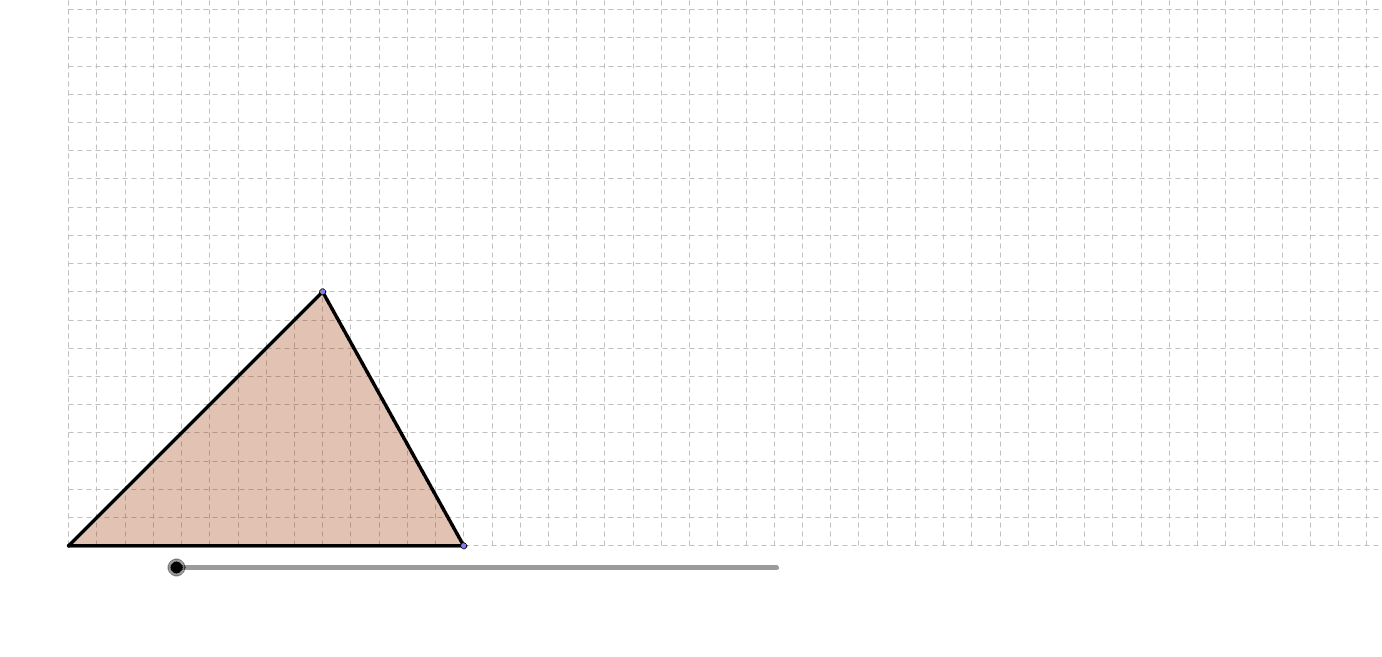
This example demonstrates how a triangle transforms into a rectangle through geometric operations. It involves concepts such as geometric transformations, area calculation, and properties of shapes. The construction uses GeoGebra commands like Segment, Point, OrthogonalLine, and Intersect. Suitable for middle or high school mathematics teaching to understand geometric transformations and shape relationships.
GeoGebra Commands & Parameters
Segment((1, 0), (20, 0)) → bbPoint(bb) → BSegment((0, 0), B) → basePointIn((x ≥ 0) ∧ (y > 1) ∧ (x ≤ x(B))) → AOrthogonalLine(A, base) → aSegment((0, 0), A) → side1Intersect(side1, base) → DSegment(A, B) → side2Polygon(Rotate[C, Min[e, 180]°, Midpoint[side1]], Rotate[A, Min[e, 180]°, Midpoint[side1]], Rotate[D, Min[e, 180]°, Midpoint[side1]]) → poly1, c, d, fSegment(A, C) → bPolygon(Rotate[C, ((-Min[e, 180]))°, Midpoint[side2]], Rotate[B, ((-Min[e, 180]))°, Midpoint[side2]], Rotate[A, ((-Min[e, 180]))°, Midpoint[side2]]) → poly2, g, h, iMax(0, e / 100 - 2) → actionPolygon(AA, BB, A) → poly3, a_1, aa, bb_1Polygon(EE, FF, B, A) → poly4, ee, ff, b_1, a_2Polygon(AA, BB, EE, FF, B) → poly5, aa_1, bb_2, ee_1, ff_1, b_2
AI Drawing Prompt Reference
Draw a horizontal base line, then place a movable point B on its right end. From the origin to B create a base segment, and erect a vertical line through B. On this vertical line choose a point A above the base. Connect A to B to form a triangle, and also draw a segment from the origin to A. Intersect this segment with the base to locate a point D. Rotate the triangle around the midpoint of side OA to generate a polygon, and similarly rotate around the midpoint of side AB to produce another shape. Combine the resulting polygons with additional shapes to form a rectangle, illustrating how the original triangle transforms into a rectangular figure through geometric operations.
The prompt above was compiled from the original drawing commands and is for reference only.