
Triangle Perimeter and Area by Panpan1663
Loading the math board and drawing, please wait…
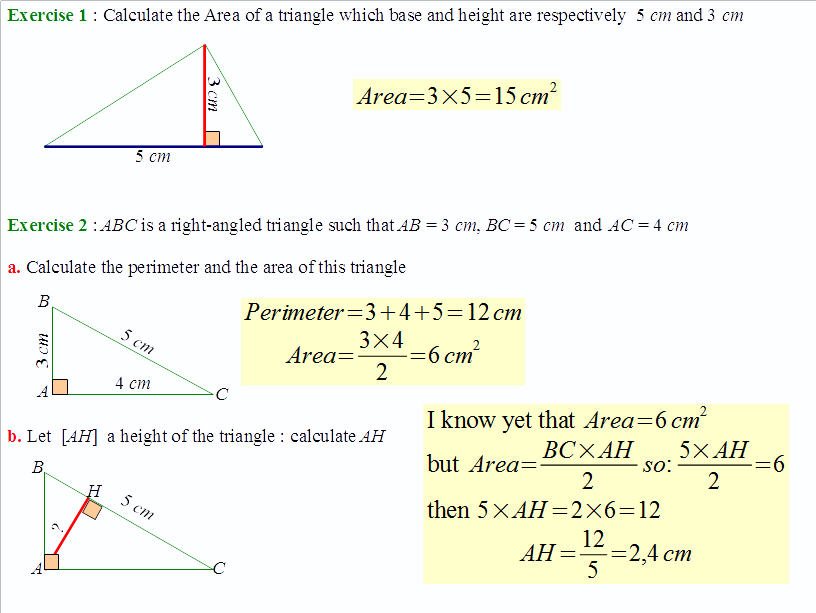
This example demonstrates how to draw a triangle and calculate its perimeter and area using GeoGebra. Core math concepts include perimeter, area, geometric construction, and coordinate geometry. It utilizes commands like Line, Polygon, OrthogonalLine, Intersect, Segment, and Angle. Suitable for middle school students and above for learning geometric calculations and construction techniques, or for mathematical teaching demonstrations.
GeoGebra Commands & Parameters
Line(A, B) → aLine(C, a) → bPolygon(A, C, B) → poly1, b_1, a_1, c_1OrthogonalLine(C, c_1) → fIntersect(Line[A, B], f) → HSegment(C, H) → cSegment(A, B) → dAngle(B, H, C) → αSegment(B, H) → e
AI Drawing Prompt Reference
Draw a triangle and construct a perpendicular line from one vertex to the opposite side, creating two smaller triangles. Measure the perimeter and area of both the large and small triangles to demonstrate geometric construction and coordinate geometry. Start by drawing the triangle, then add the perpendicular line and smaller segments, finally label the angles and display the measurements.
The prompt above was compiled from the original drawing commands and is for reference only.