
Triangle Area Visualization
Loading the math board and drawing, please wait…
In collections
Area Formulas
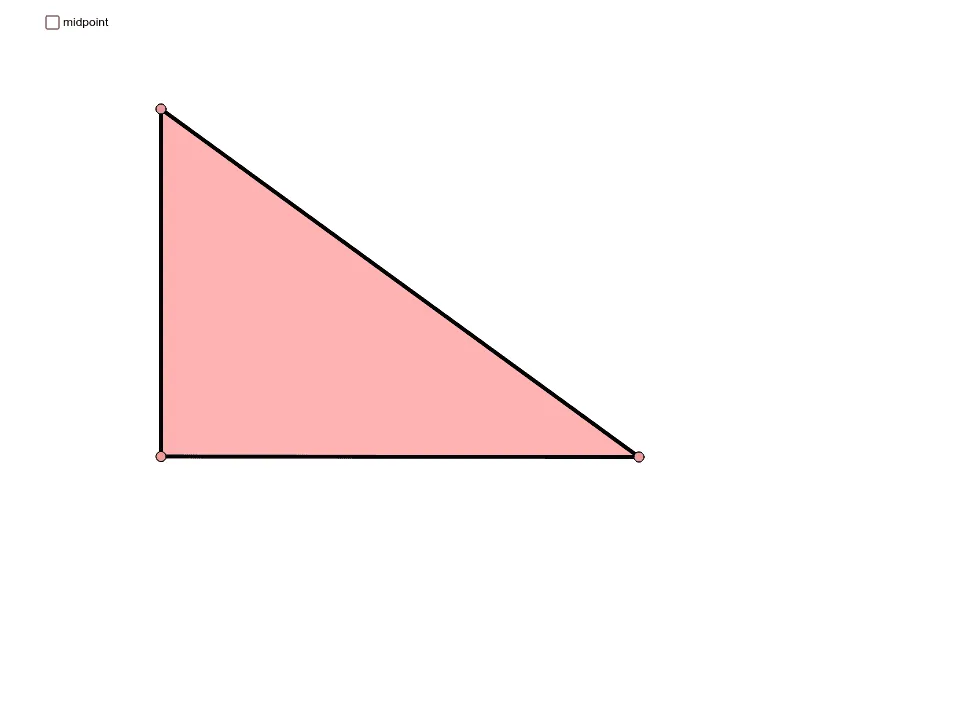
This example dynamically demonstrates the calculation method for triangle area, visually showcasing the basic principle of base times height divided by two. Core math concepts include triangle area formula, midpoint, rotation, segment, and angle measurement. Construction highlights involve GeoGebra commands like Polygon, Midpoint, Rotate, Segment, and Angle. Suitable for middle school students and above to learn and understand geometric area calculations, as well as for math teaching demonstrations.
GeoGebra Commands & Parameters
Polygon(A, B, C) → poly1, c, a, bMidpoint(b) → DRotate(A, Rotate, D) → A'Rotate(B, Rotate, D) → B'Rotate(C, Rotate, D) → C'Polygon(A', B', C') → poly1', c', a', b'Segment(A, C) → eSegment(C, B) → fSegment(B, A) → gSegment(C', B') → hSegment(B', A') → iSegment(A', C') → jAngle(C, B, A) → α
AI Drawing Prompt Reference
Draw a triangle and visualize its area calculation. Start by creating a triangle, then find the midpoint of one of its sides and connect the midpoint to the opposite vertex. Next, rotate the triangle around this midpoint by 180 degrees to form a new triangle. Finally, connect the corresponding vertices of the rotated triangle to the original triangle, highlighting how the area is calculated as base times height divided by two through the formed similar triangles.
The prompt above was compiled from the original drawing commands and is for reference only.