
Triangle Area Demonstration by Mark Dabbs (3)
Loading the math board and drawing, please wait…
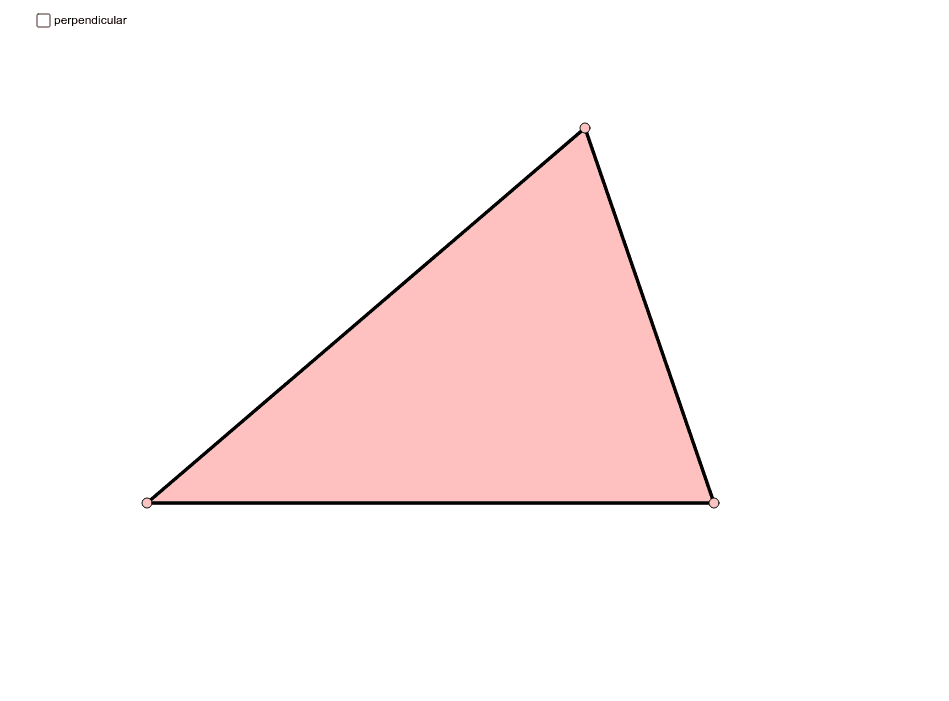
This example visually demonstrates the calculation of a triangle's area. Key mathematical concepts include the triangle area formula and geometric construction. It utilizes commands such as Point, Line, Segment, OrthogonalLine, Intersect, Midpoint, Polygon, and Rotate in GeoGebra. Suitable for middle school and above students learning geometry and area calculation.
GeoGebra Commands & Parameters
Point(b) → APoint(b) → BLine(C, b) → cSegment(A, C) → dSegment(C, B) → eOrthogonalLine(C, b) → fIntersect(b, f) → DSegment(C, D) → gSegment(A, B) → hSegment(B, D) → iSegment(A, D) → kMidpoint(d) → EMidpoint(e) → FPolygon(C, A, B) → poly1, b_1, c_1, a_1Polygon(C, D, B) → poly2, b_2, c_2, d_1Polygon(C, D, A) → poly3, a_2, c_3, d_2Rotate(C, Rotate, F) → C'Rotate(D, Rotate, F) → D'Rotate(B, Rotate, F) → B'Polygon(C', D', B') → poly2', b', c', d'Rotate(C, (-Rotate), E) → C'_1Rotate(D, (-Rotate), E) → D'_1Rotate(A, (-Rotate), E) → A'Polygon(C'_1, D'_1, A') → poly3', a', c'_1, d'_1Segment(D'_1, A') → lSegment(A', C'_1) → mSegment(C'_1, D'_1) → nSegment(B', D') → pSegment(D', C') → qSegment(C', B') → r
AI Drawing Prompt Reference
Draw a triangle ABC, connect its sides and construct the altitudes to form the feet D. Then construct the midpoints E and F of sides AB and BC respectively. Use these points to construct three new triangles and generate their symmetric counterparts through rotation, finally connecting the corresponding sides of these new triangles.
The prompt above was compiled from the original drawing commands and is for reference only.