
Trapezium Construction: Dynamic Geometry with Segments and Functions
Loading the math board and drawing, please wait…
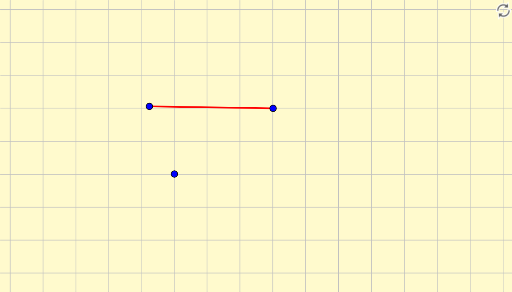
①This example demonstrates how to construct a trapezium in GeoGebra using given segments and a function, showing the dynamic geometric relationships. ②Core mathematical concepts include the definition and properties of a trapezium, intersections of segments with function graphs, special points such as the orthocenter, and extensions to percentages and definite integrals, integrating geometry with algebra. ③Construction highlights: Based on the summary, the Segment command is used, involving objects A, B, f, and C, where f likely represents a function curve; the trapezium vertices are determined by segment-function intersections. ④Suitable for middle and high school geometry lessons, this resource helps students understand trapezium properties, the interplay between function graphs and geometric figures, and dynamic exploration of shape changes. It is ideal for teacher demonstrations or student-led investigations.
GeoGebra Commands & Parameters
Segment(A, B) → f