
Transformation Station: Rotation
Loading the math board and drawing, please wait…
GeoGebra Commands & Parameters
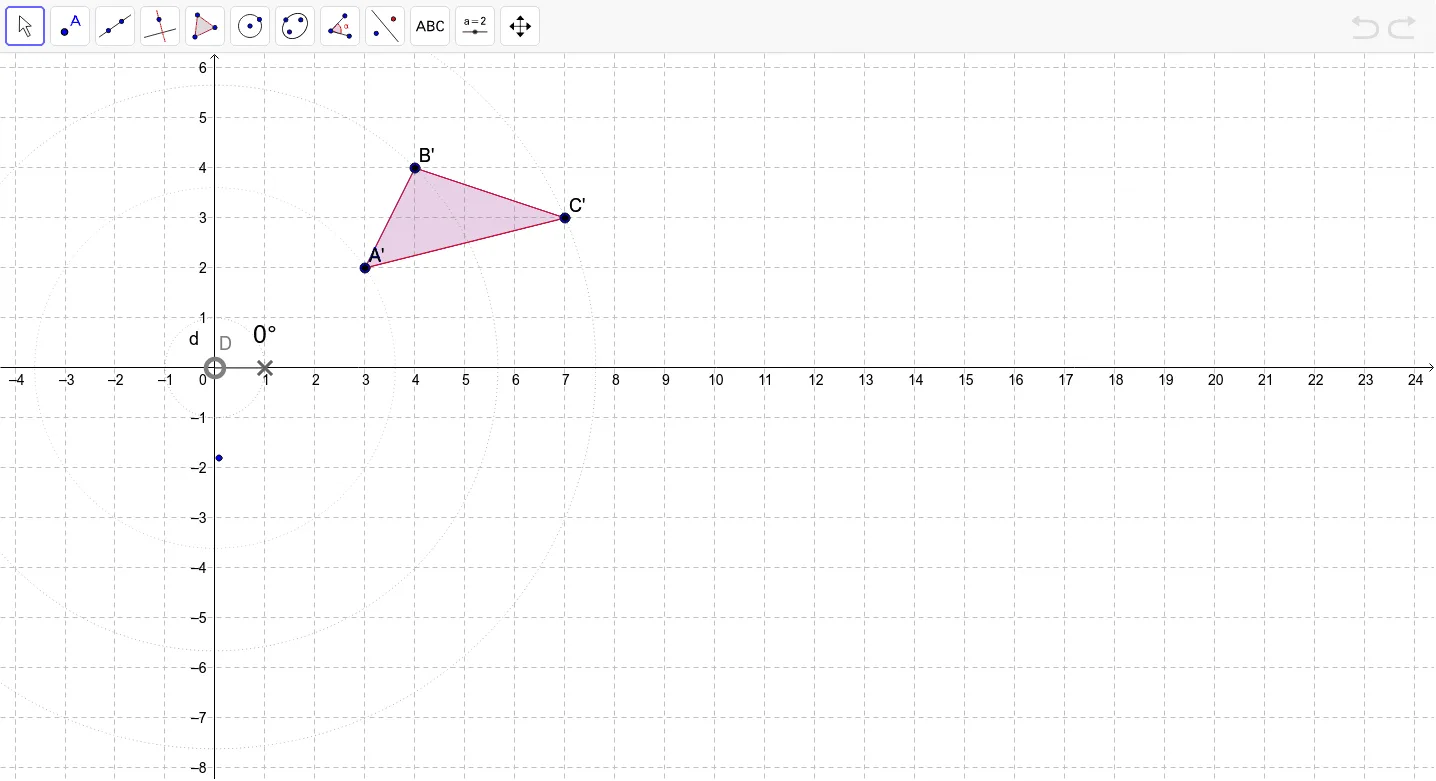
Polygon(A, B, C) → poly1, c, a, bCircle(D, 1) → dPoint(d) → FCircleSector(D, E, F) → eAngle(E, D, F) → αRotate(A, α, D) → A'Rotate(B, α, D) → B'Rotate(C, α, D) → C'Polygon(A', B', C') → poly1', c', a', b'CircleArc(D, A, A') → fCircleArc(D, B, B') → gCircleArc(D, C, C') → hCircle(D, A) → kCircle(D, B) → pCircle(D, C) → q
AI Drawing Prompt Reference
Draw a triangle and rotate it around a point to demonstrate the rotation process. Start by drawing the original triangle, then define the rotation center and draw auxiliary circles. Use a sector and angle to indicate the rotation angle, rotate the triangle to get its new position, and connect corresponding vertices with arcs. Illustrate the paths from original vertices to new ones, and draw circles centered at the rotation point with radii equal to the vertices to show the correspondence between rotated and original figures.
The prompt above was compiled from the original drawing commands and is for reference only.