
Transformation - Reflection
Loading the math board and drawing, please wait…
In collections
Module 1: Eureka Congruence, Transformations, Constructions
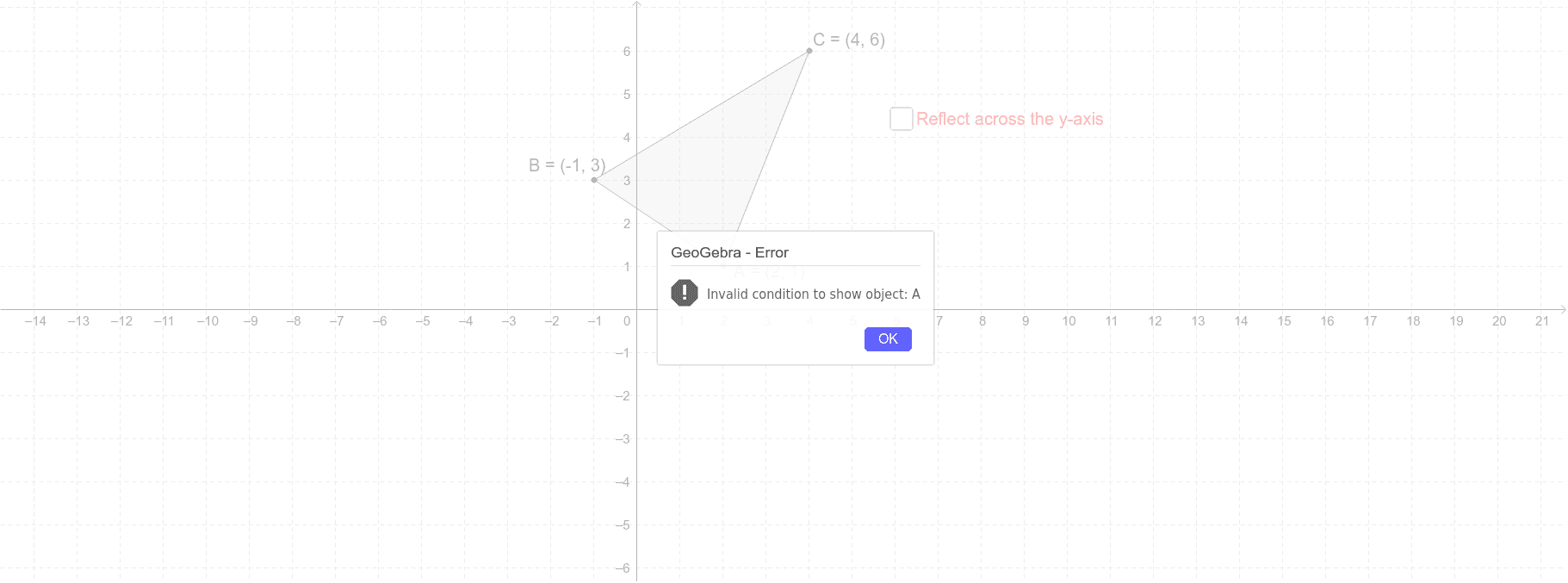
This example demonstrates the reflection transformation. It involves the reflection properties of triangles and uses the polygon command to draw the reflected shapes. By examining the commands in the construction summary, one can understand the specific implementation of the reflection transformation. Suitable for students at the junior high school level and above learning geometric transformations.
GeoGebra Commands & Parameters
Polygon(A', B', C') → poly2, c', a', b'Polygon(A'', B'', C'') → poly3, c'', a'', b''Polygon(B, A, C) → poly1, c, b_1, a_1
AI Drawing Prompt Reference
Draw a triangle and its two reflected images using the polygon tool, showing the transformation relationships clearly. Start with the original triangle, then draw the first reflected triangle, and finally the second reflected triangle, ensuring they share a common vertex but are positioned differently to clearly illustrate the reflection transformation effect.
The prompt above was compiled from the original drawing commands and is for reference only.