
The Ambiguous Case of the Sine Rule
Loading the math board and drawing, please wait…
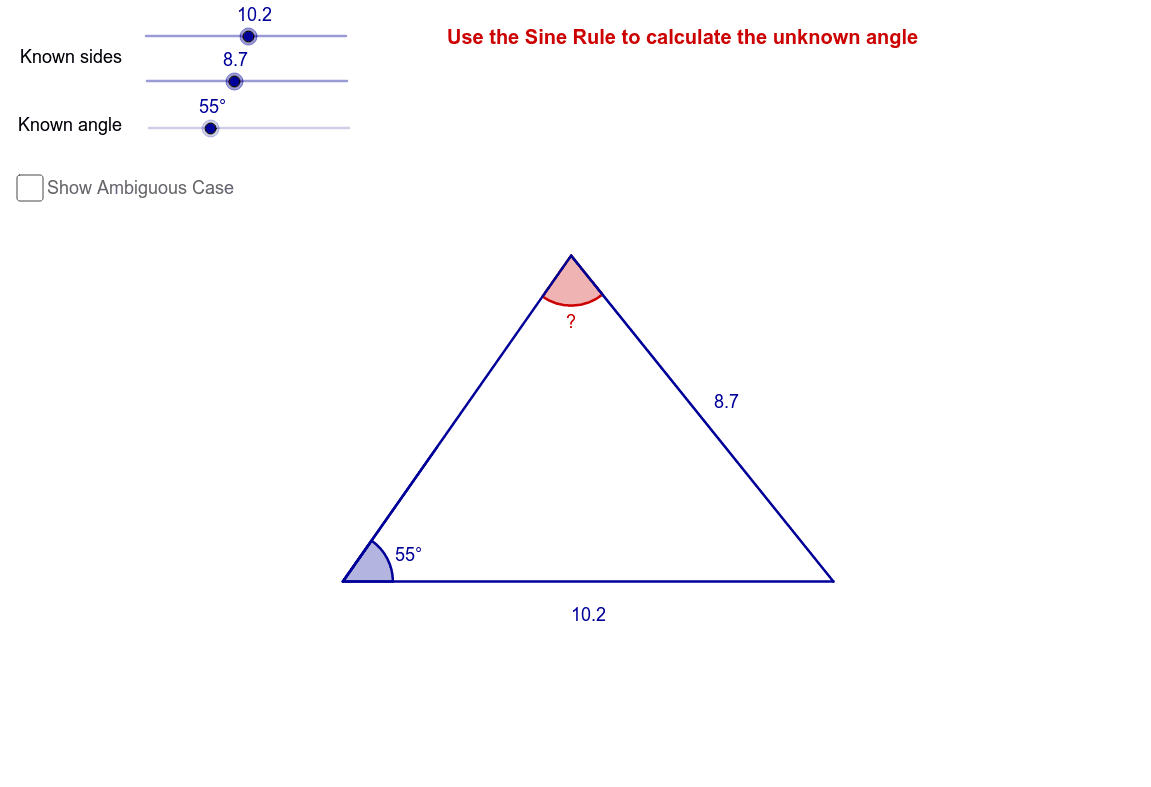
This example demonstrates the ambiguous case when applying the sine rule in triangle problems. Key math concepts include the law of sines. It is constructed using GeoGebra commands like Point, Segment, Rotate, Angle, Circle, Ray, Intersect, and OrthogonalLine. Suitable for high school students learning trigonometry to understand special scenarios of the sine rule application.
GeoGebra Commands & Parameters
Point(Circle[A, a]) → BSegment(A, B) → bRotate(B, α, A) → B'Angle(B, A, B') → βCircle(B, c) → dRay(A, B') → eIntersect(d, e) → C, DOrthogonalLine(B, e) → fIntersect(d, f, 2) → ESegment(B, C) → gSegment(B, D) → hSegment(A, C) → iSegment(A, D) → jAngle(A, C, B) → γAngle(A, D, B) → δSegment(B, E) → kIntersect(e, f) → FSegment(B, F) → lAngle(A, D, B) → ε
AI Drawing Prompt Reference
Draw a triangle where one side and two angles are known, demonstrating the ambiguous case of the sine rule. Start by drawing a circle centered at a vertex with a given radius to find an intersection point. Connect the vertex and the intersection point. Rotate the line segment by a given angle around the vertex to get another intersection point. Draw a circle centered at the new intersection point with a given radius. Extend the rotated line segment as a ray and let it intersect the circle at two points. Draw a line perpendicular to the ray through one of the intersection points, intersecting the circle at two more points. Connect the vertex to these two points to form two triangles. Label the angles to show that both triangles satisfy the sine rule but are different in shape.
The prompt above was compiled from the original drawing commands and is for reference only.