
Test Your Mental Arithmetic Skills
Loading the math board and drawing, please wait…
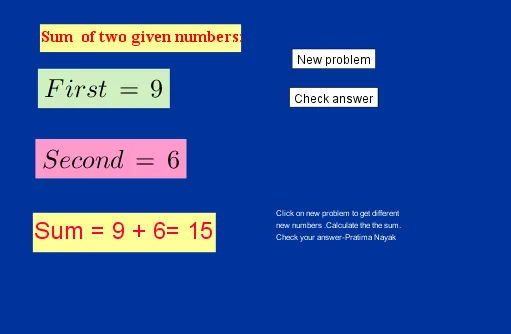
This example demonstrates how to use GeoGebra for mental addition practice. The core math concept involved is addition. Key construction elements include using commands like Random for generating random numbers, LaTeX for displaying formulas, and Simplify for expression simplification, along with objects such as show, button1, button2, text3, First, First_1, Second, text2, Sum, text1, f, text5 for interaction and display. Suitable for elementary and middle school students for computational skill training.
GeoGebra Commands & Parameters
Random(1, 18) → FirstLaTeX(First, true, true) → First_1Random(1, 17) → SecondLaTeX(Second, true, true) → text2Simplify(First + Second) → f
AI Drawing Prompt Reference
Create an interactive educational interface for mental addition practice. Display two randomly generated numbers in large fonts, connected by a plus sign. Below them, show a blank area for the sum, with two buttons nearby: one to generate new random numbers and another to check the answer. Use a clean layout with a light background, high-contrast colors for numbers and buttons, suitable for young students. All numbers and symbols should be formatted as clear mathematical expressions.
The prompt above was compiled from the original drawing commands and is for reference only.