
Tangents to Parametric Curves
Loading the math board and drawing, please wait…
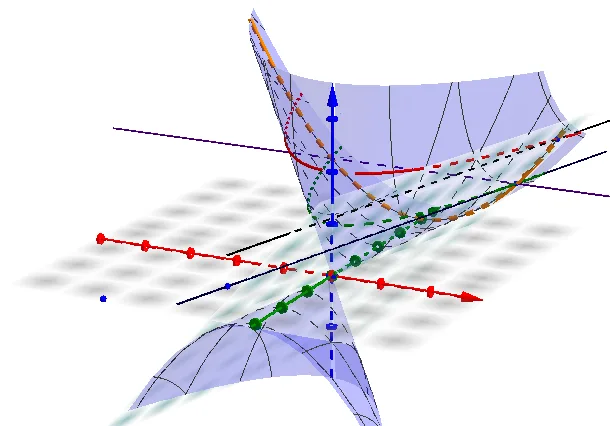
This example demonstrates how to draw parametric curves and their tangents in GeoGebra. Core math concepts include parametric equations, derivatives, tangent lines, and analytical geometry. Construction highlights involve using commands like IntersectPath, Line, Plane, and Intersect with objects a, b, c, d, e, f, g, h, A, B, i, C, D, j, k, G, F. Suitable for university-level math beginners or learners needing a visual understanding of parametric curves and tangent properties.
GeoGebra Commands & Parameters
IntersectPath(b, a) → cIntersectPath(d, a) → eIntersectPath(b, f) → gIntersectPath(f, a) → hLine(A, B) → iLine(D, C) → jPlane(A, B, C) → kIntersect(xAxis, yAxis) → F
AI Drawing Prompt Reference
Draw a parametric curve with several points marked on it, then show tangent lines at these points, display the intersection of coordinate axes, connect some points with lines, and construct a plane containing these points, ensuring all elements are clearly visible.
The prompt above was compiled from the original drawing commands and is for reference only.