
Symmetry Shutter Image
Loading the math board and drawing, please wait…
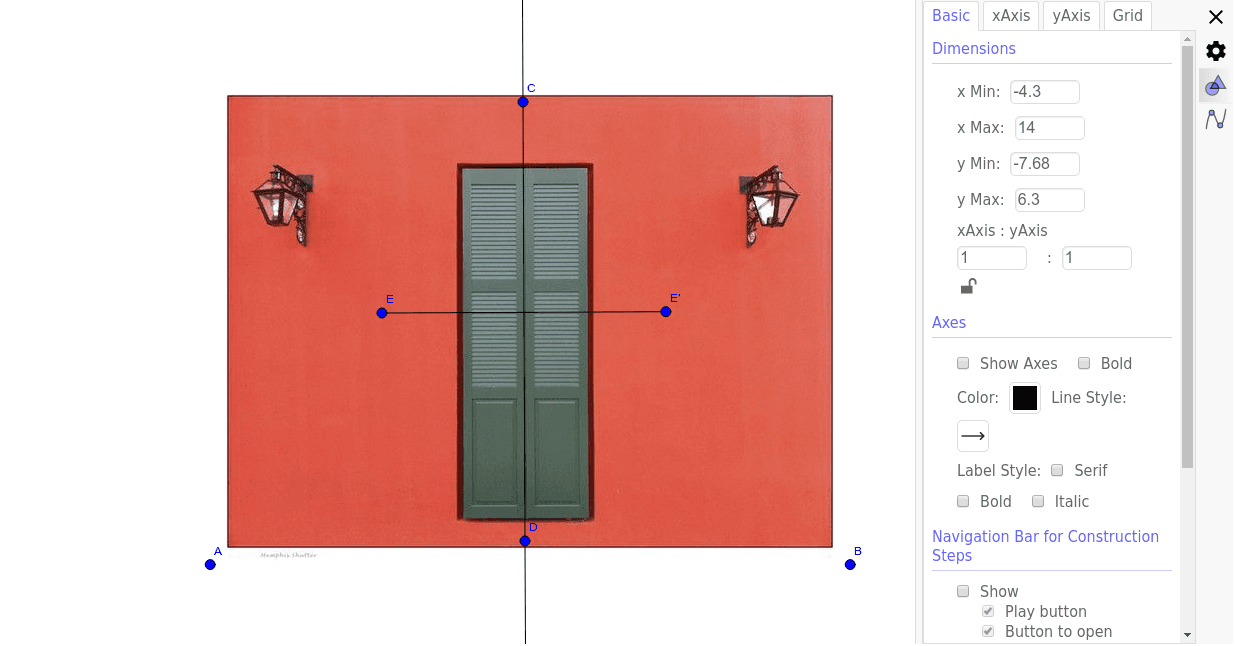
This example demonstrates the creation of a shutter image effect using symmetry, showcasing the symmetry of graphics through mirror transformations. Core mathematical concepts include symmetry, cosine functions, subtraction operations, and geometric transformations. Construction highlights involve GeoGebra commands/objects such as Line, Mirror, and Segment. Suitable for high school students learning geometric transformations, trigonometric functions, and symmetry.
GeoGebra Commands & Parameters
Line(C, D) → fMirror(E, f) → E'Segment(E, E') → g
AI Drawing Prompt Reference
Create a symmetric shutter image using mirror transformations to showcase the symmetry of graphics. Start by drawing a line segment, then reflect it over the same line to get a mirrored segment, and finally connect the original and mirrored points to form a new line segment, resulting in a symmetric shutter effect that highlights cosine functions and geometric transformations.
The prompt above was compiled from the original drawing commands and is for reference only.