
Symmetric Prism and Triangle Construction
Loading the math board and drawing, please wait…
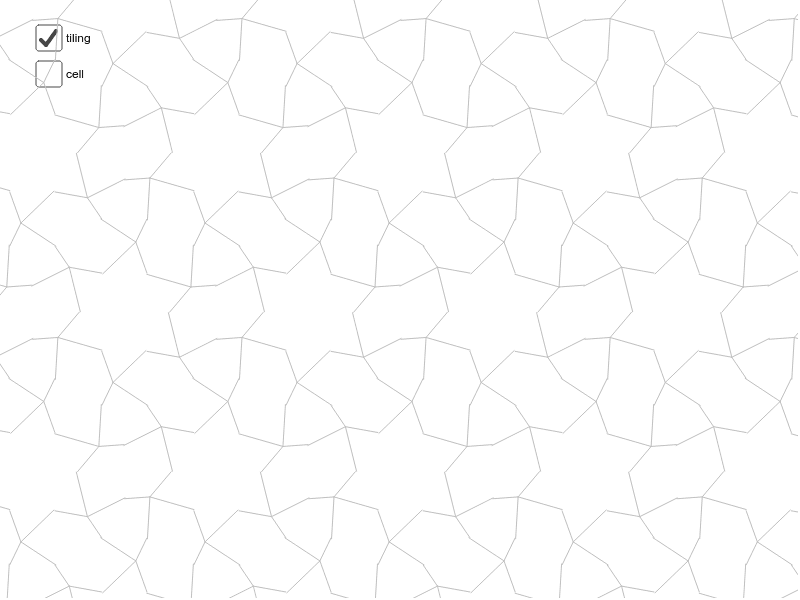
This example demonstrates the construction of a symmetric prism and equilateral triangles using symmetry. Key math concepts include symmetry, prism, angles, equilateral triangles, derivatives, and perimeter. GeoGebra commands like Midpoint, Vector, Segment, Rotate, and Sequence are used in the construction. Suitable for high school mathematics teaching to understand spatial geometry and transformations.
GeoGebra Commands & Parameters
Midpoint(C, A) → GMidpoint(A, B) → HMidpoint(B, D) → IMidpoint(D, C) → JMidpoint(C, B) → KVector(A, B) → uVector(A, C) → vSegment(E, G) → aSegment(E, H) → bSegment(L, M) → cSegment(M, N) → dSegment(M, P) → eSegment(M, Q) → fRotate(cell1, 120*°, E) → cell2Rotate(cell1, 240*°, E) → cell3Rotate(cell123, 180*°, K) → cell456Sequence(Translate[Sequence[Translate[tile, Vector[(n * u)]], n, -3, 3], Vector[(m * v)]], m, -3, 3) → tilingVector(B, D) → wVector(C, D) → gSegment(C, B) → hSegment(F, J) → jSegment(F, I) → kSegment(E, F) → i
AI Drawing Prompt Reference
Draw a symmetric prism with an equilateral triangle base, constructed using midpoints and vectors to demonstrate symmetry. Start by creating the edges and midpoints of the base triangle, then use vectors to rotate and form the lateral faces, finally connecting all faces to complete the prism while showing the construction of the equilateral triangle.
The prompt above was compiled from the original drawing commands and is for reference only.