
Subtraction Quiz - Level 2
Loading the math board and drawing, please wait…
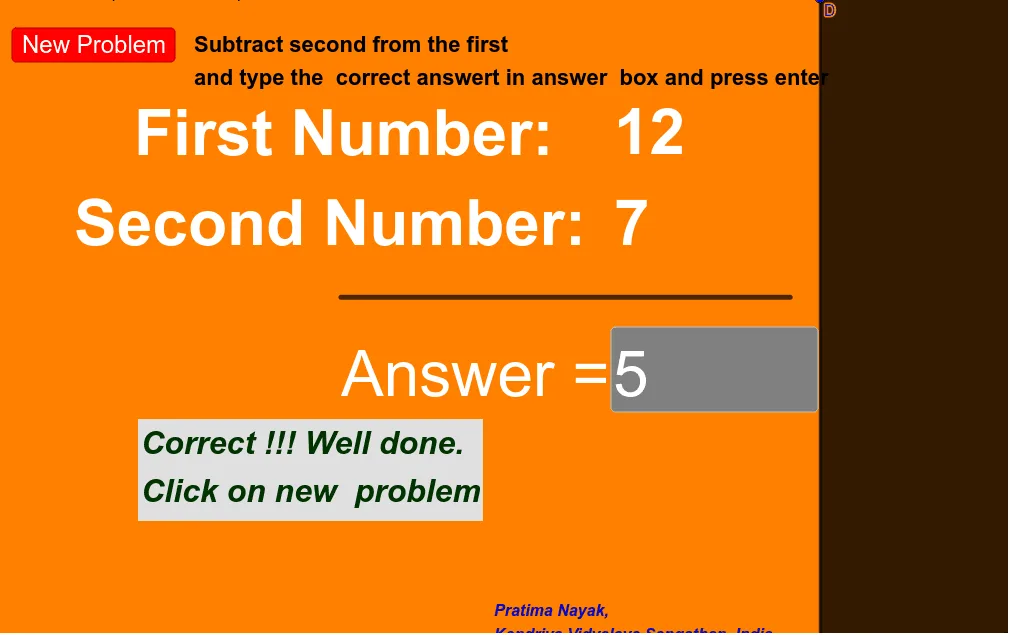
This example demonstrates an interactive subtraction quiz interface where random numbers are generated and displayed to show the subtraction process. Core math concepts include subtraction operations, random number generation, and geometric representation. GeoGebra commands like Random, Textfield, Segment, and Polygon are used to construct the interface. Suitable for elementary students to practice subtraction in a fun and interactive way.
GeoGebra Commands & Parameters
Random(10, 19) → aRandom(6, 11) → bTextfield(c) → InputBox2Segment(A, C) → fPolygon(D, E, F, G) → q1, d, e, f_1, g
AI Drawing Prompt Reference
Create an interactive subtraction practice interface for elementary students. Place a text input box in the center of the canvas for entering answers. Above the input box, display two randomly generated two-digit numbers, one as the minuend and the other as the subtrahend, connected by a horizontal line segment to indicate subtraction. Below, draw a rectangular area with four sides as the answer or hint zone, leaving it blank or with simple decorations. Keep the layout clear and colors bright, emphasizing the interactive subtraction process.
The prompt above was compiled from the original drawing commands and is for reference only.