
Step-by-Step Log Eqns Solving (Law of Powers)
Loading the math board and drawing, please wait…
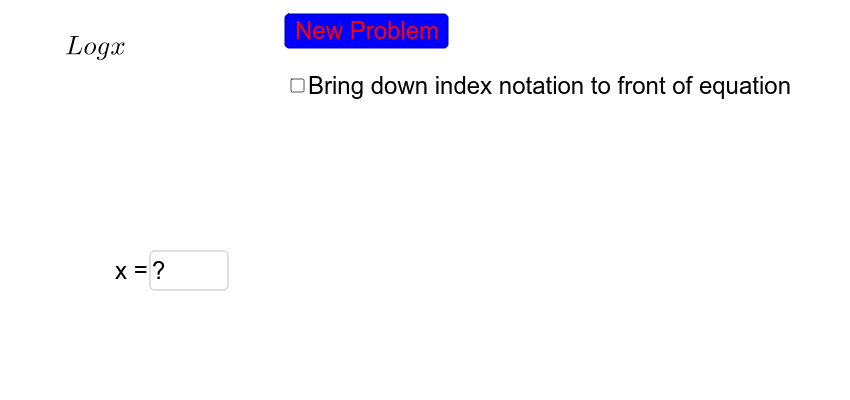
This example demonstrates how to solve logarithmic equations step-by-step using GeoGebra, focusing on the Law of Powers. Core math concepts include logarithmic properties, equation manipulation, and solution techniques. The construction utilizes commands like Random, Textfield, Element, and objects such as a, b, c for variable selection and input. Suitable for high school mathematics education, helping students grasp the problem-solving approach for logarithmic equations.
GeoGebra Commands & Parameters
Random(3, 10) → aRandom(1, 2) → pickRandom(2, 10) → bRandom(1, 5) → cTextfield(eans) → inputBox1Element(s, pick) → op
AI Drawing Prompt Reference
Create a step-by-step solution for a logarithmic equation, including three randomly generated variables a, b, and c, and an input box for the solution. First, generate a random integer a between 3 and 10, then randomly choose an operator (addition or subtraction), and generate another random integer b between 2 and 10 and a random integer c between 1 and 5. Use these variables and operators to construct the logarithmic equation and display the solution steps and input box in the diagram.
The prompt above was compiled from the original drawing commands and is for reference only.