
Sphere Volume & Surface Area Scored Practice
Loading the math board and drawing, please wait…
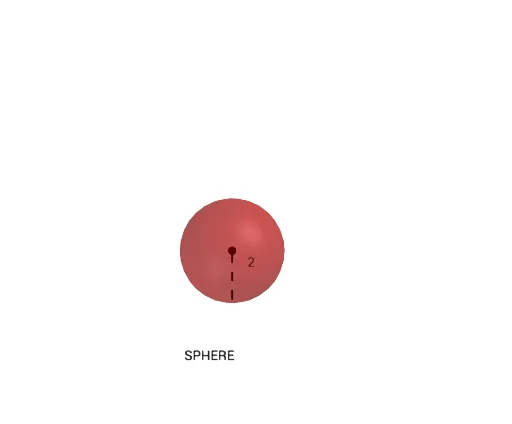
① This interactive scored practice demonstrates how to compute the volume and surface area of a sphere, allowing students to enter guesses and receive immediate feedback. ② Core math concepts include the sphere volume formula V=4/3πr³ and surface area formula TSA=4πr², along with numerical comparison, error checking, and scoring logic. ③ Construction highlights: uses GeoGebra commands such as Circle, Point, Segment, Sphere, Textfield, and Text; objects include radius, V, TSA, GuessVolume, GuessTSA, ScoreV, ScoreTSA, and a CheckAnswers button for automated grading. ④ Suitable for upper middle school or high school students as a solid geometry practice tool, ideal for classroom activities or self-assessment, emphasizing formula application and computational accuracy.
GeoGebra Commands & Parameters
Circle(C, radius, xOyPlane) → cPoint(c) → ASegment(C, A) → fTextfield(ViewSol) → CodeSphere(D, C) → aSegment(D, C) → gText(V) → vVolText(TSA) → TTSAText(radius) → text3Text(ScoreTSA) → text7Text(ScoreV) → text8Text(try) → text9Text(pTSA) → text11Text(pV) → text12
AI Drawing Prompt Reference
Draw a sphere with adjustable radius using a slider. Display the volume formula V=4/3πr³ and surface area formula TSA=4πr² next to the sphere, showing corresponding numerical values. Include a text field for users to input guesses and provide immediate feedback with scores. Label the radius, volume, surface area, guesses, and scores using text. Add a check answers button for automated grading.
The prompt above was compiled from the original drawing commands and is for reference only.