
Solving Simultaneous Equations
Loading the math board and drawing, please wait…
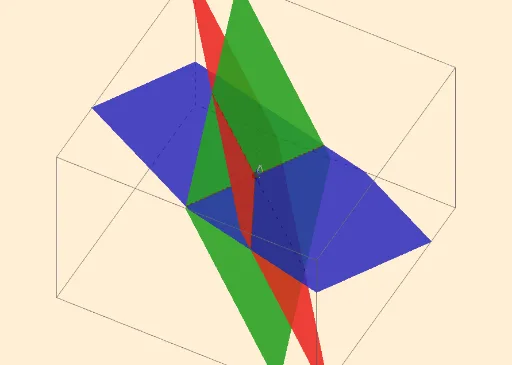
This example demonstrates how to solve a system of linear equations by finding the intersection point of two lines using GeoGebra. Key math concepts include systems of equations, lines, intersection points, and coordinate geometry. Construction highlights involve commands like Textfield, IntersectPath, and Intersect, along with input boxes for coefficients, line plotting, and intersection calculation. Suitable for middle school and above students learning coordinate geometry and equation solving, or for educational demonstrations.
GeoGebra Commands & Parameters
Textfield(a_1) → InputBox1Textfield(b_1) → InputBox2Textfield(c_1) → InputBox3Textfield(d_1) → InputBox4Textfield(a_2) → InputBox5Textfield(a_3) → InputBox6Textfield(b_2) → InputBox7Textfield(b_3) → InputBox8Textfield(c_2) → InputBox9Textfield(c_3) → InputBox10Textfield(d_2) → InputBox11Textfield(d_3) → InputBox12IntersectPath(c, b) → fIntersectPath(c, a) → gIntersect(f, g) → AIntersect(f, g) → BIntersect(g, f) → CIntersectPath(b, a) → h