
Solving Linear Equations with Brackets
Loading the math board and drawing, please wait…
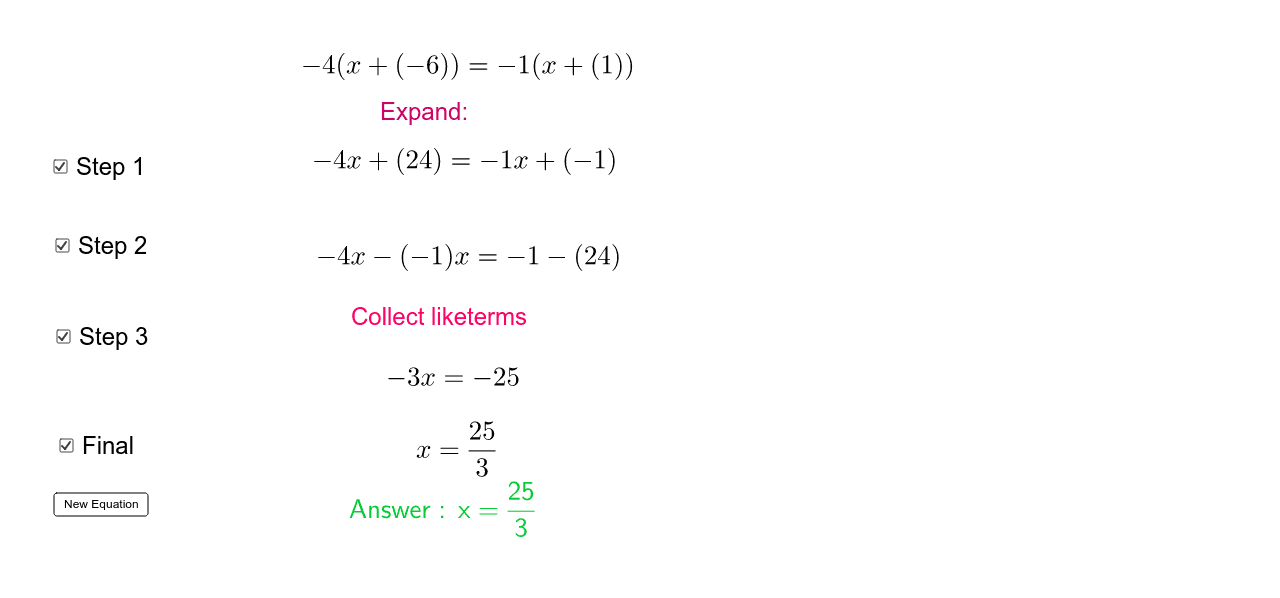
This tutorial demonstrates how to solve linear equations with brackets. By checking Step1-3 and Final, the solving process is displayed step by step. The 'New Equation' button can generate new equations for practice. The core math concepts involved are solving linear equations, using Element and If commands to control step display. Suitable for middle school and above students to learn solving equations.
GeoGebra Commands & Parameters
Element(list, Random[1, 12]) → aElement(list, Random[1, 12]) → bElement(list, Random[1, 12]) → cElement(list, Random[1, 12]) → dIf(a ≠ c, FractionText[((c * d) - (a * b)) / (a - c)]) → ans
AI Drawing Prompt Reference
Illustrate the steps to solve linear equations with brackets, showing the process step by step with randomly selected numbers, leading to the final answer, suitable for students learning to solve equations.
The prompt above was compiled from the original drawing commands and is for reference only.