
Solving Inequalities Part 3: Interactive Set and Number Line Demo
Loading the math board and drawing, please wait…
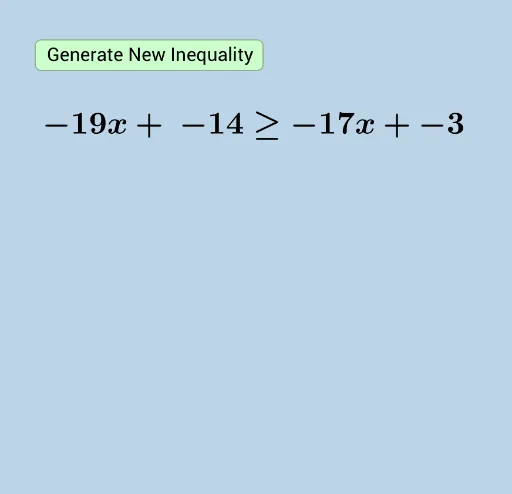
This example demonstrates how to solve inequalities interactively, visualizing solution sets using set operations and a number line. Core math concepts include inequalities, union and intersection of sets, interval notation, and graphical representation on a number line. Construction highlights: Sequence generates lists, Random and RandomElement produce random values, Union combines sets, Textfield and InputBox1 allow user input, FractionText displays fractions, slider controls parameters, button1 triggers actions, and multiple text objects show dynamic results. Suitable for middle and high school students learning inequality solving, set operations, and number line representation, as well as for teachers in classroom demonstrations or student self-exploration.
GeoGebra Commands & Parameters
Sequence(i, i, -20, 20) → list1RandomElement(list1) → aSequence(i, i, a + 1, 20) → list3Sequence(i, i, -20, a - 1) → list2Union(list2, list3) → list4RandomElement(list4) → cRandomElement(list1) → bRandom(1, 4) → sliderTextfield(d) → InputBox1FractionText(d) → text11RandomElement(list1) → j