
Slider-Controlled Point Movement on Segment AB
Loading the math board and drawing, please wait…
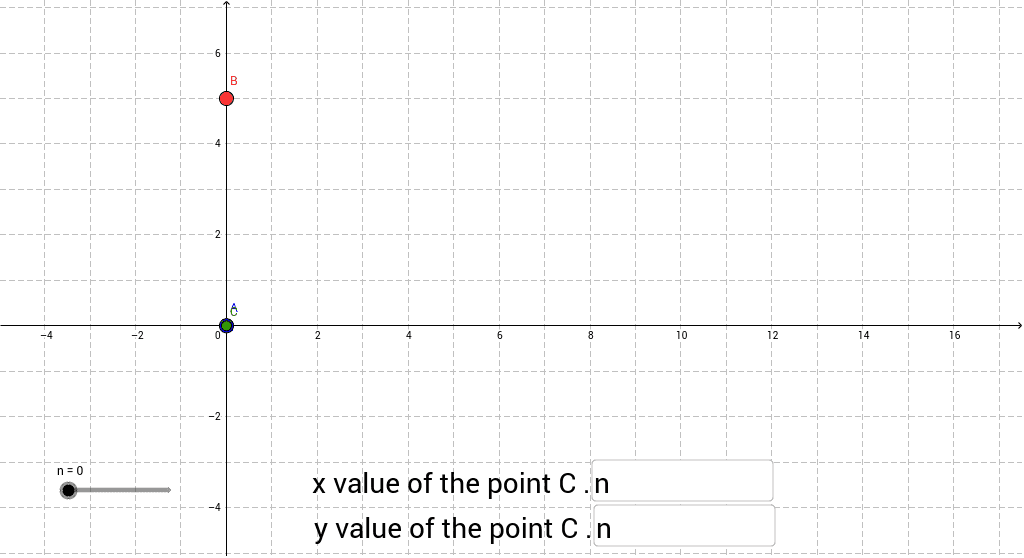
This GeoGebra example demonstrates the movement of a point between points A and B by using a slider to adjust the definitions of its coordinates. The core mathematical concepts involved include coordinate geometry, linear interpolation, and dynamic point definition. In terms of construction, it employs GeoGebra commands such as Textfield for display purposes and If for conditional logic; key objects include points A and B as endpoints, variables n, a, b for parameter storage, inputBox1 and inputBox2 for user input, point C as the moving point, and variable c. This example is suitable for high school or introductory college courses in analytic geometry and mathematical visualization, aiding students in understanding point trajectories and coordinate transformations.
GeoGebra Commands & Parameters
Textfield(a) → inputBox1Textfield(b) → inputBox2If(b > 0, 0 * n + b, b) → c
AI Drawing Prompt Reference
Draw a line segment with two endpoints, place a movable point on the segment, and add a slider that controls the point’s position between the endpoints; also provide two editable numeric input boxes for setting the slider’s parameters or the point’s coordinates so the point updates in real time as the values change. The slider should move the point smoothly along the segment, and the input boxes allow the user to define the start and end values or coordinate offsets that determine the point’s location.
The prompt above was compiled from the original drawing commands and is for reference only.