
Sine Law Ambiguous Case 1
Loading the math board and drawing, please wait…
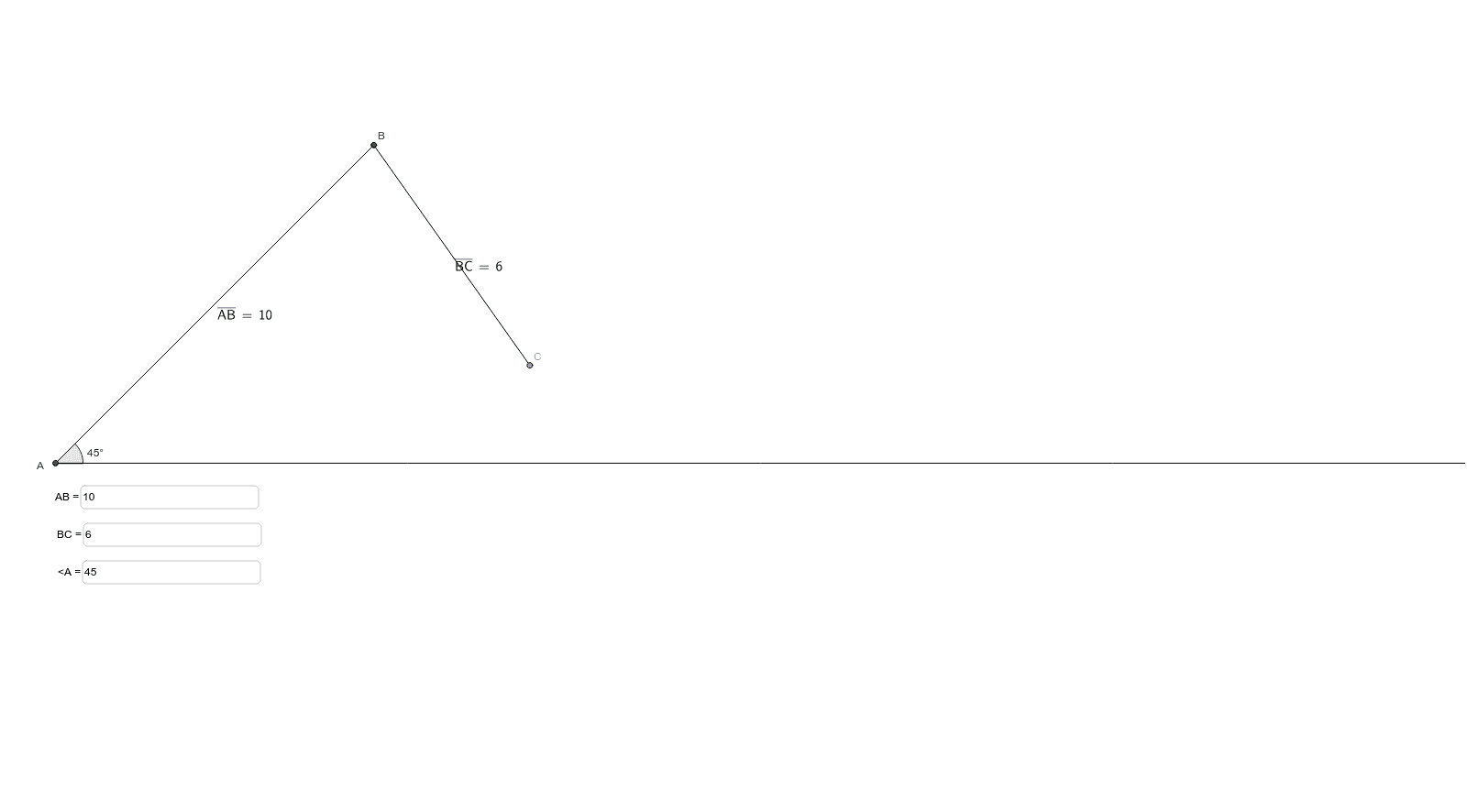
This applet demonstrates the ambiguous case of the sine law through interactive exploration, helping users understand the concept better. The core math concepts involved are the sine law and its ambiguous case. Construction highlights include using GeoGebra commands and objects such as Intersect, Ray, Rotate, Angle, Circle, Point, Segment, Distance, and Textfield. Suitable for high school mathematics teaching and self-learning to deepen the understanding and application of the sine law.
GeoGebra Commands & Parameters
Intersect(xAxis, yAxis) → ARay(A, D) → aRotate(D, AngleA°, A) → D'Angle(D, A, D') → αRay(A, D') → bCircle(A, AB) → cIntersect(c, b) → B,Point(Circle[B, BC]) → CSegment(B, C) → dSegment(A, B) → eDistance(A, B) → distanceABDistance(B, C) → distanceBCTextfield(AB) → inputBox1Textfield(BC) → inputBox2Textfield(AngleA) → inputBox3
AI Drawing Prompt Reference
Draw a right-angle coordinate system, start from the origin and draw a ray, then rotate this ray around the origin to form angle α. Draw a circle with the first ray as one side and the rotated ray as the other side, intersect the circle with the second ray to get point B, connect the origin to point B, and then connect point B to another point C on the circle. Label the lengths of the two sides and angle α, and display input boxes for entering side lengths and the angle.
The prompt above was compiled from the original drawing commands and is for reference only.