
Sine and Cosine Rule Demo
Loading the math board and drawing, please wait…
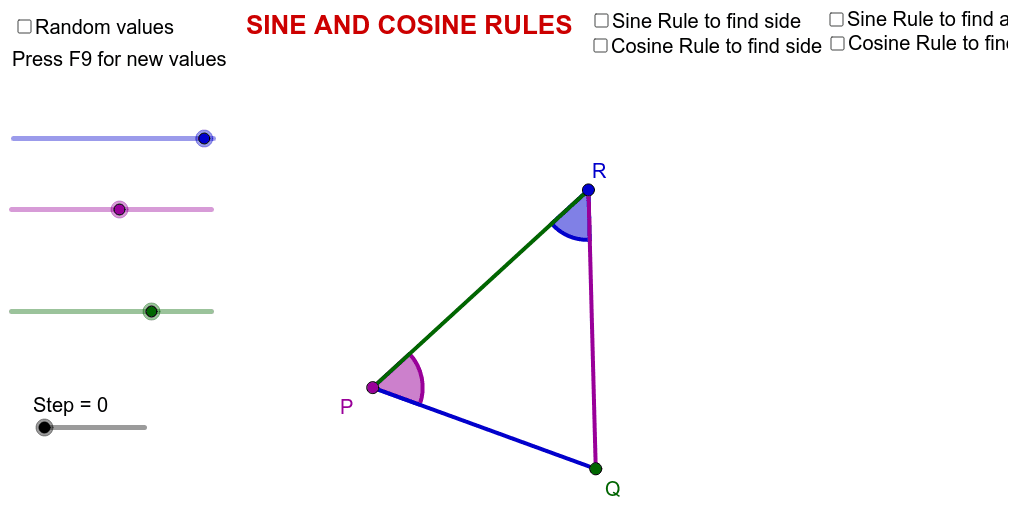
This example demonstrates the application of the Sine and Cosine Rules in triangles through dynamic geometry. It involves core math concepts like trigonometric functions, triangle side-angle relationships, and geometric constructions. GeoGebra commands and objects such as Random, If, Segment, Intersect, Midpoint, and Angle are used to generate random triangles and calculate related angles and sides. Suitable for high school mathematics teaching and geometric learning, helping to understand the geometric meaning and calculation methods of the theorems.
GeoGebra Commands & Parameters
Random(4, 10) → r_cIf(cb1, r_c, c') → cRandom(-30, 30) → θRandom(0, 180) → r_AIf(cb1, r_A, A') → ARandom(0, 180 - A) → r_BIf(cb1, r_B, B') → BSegment(D, E) → aIntersect(g, f) → FSegment(D, F) → dSegment(E, F) → eMidpoint(D, E) → GMidpoint(E, F) → HMidpoint(F, D) → IAngle(E, D, F) → αAngle(F, E, D) → βAngle(D, F, E) → γAngle(D, F, E) → δAngle(E, D, F) → ε
AI Drawing Prompt Reference
Draw a dynamic geometry diagram to demonstrate the application of the Sine and Cosine Rules in triangles. Generate a random triangle, label its three angles and sides, and calculate related angles and sides. Draw the medians and altitudes of the triangle, label key points and angles, and show the geometric construction process.
The prompt above was compiled from the original drawing commands and is for reference only.