
Segments and Angle Constructions in GeoGebra
Loading the math board and drawing, please wait…
This example demonstrates how to construct segments and related angle setups in plane geometry and then use the resulting configuration to explore geometric relationships. The core ideas include straightedge-style geometric construction, building constraints from points and connecting segments, and using these constructions to support angle-related reasoning (often leading into common composite figures such as triangles or trapezoids). Construction highlights: it relies on the GeoGebra command Segment to create key segments between specified objects—A, B, f, and E—so the viewer can see how the geometry is assembled from defined points and how those segments serve as the foundation for further angle measures or subsequent steps. Suitable for secondary-school geometry lessons, geometry construction practice, and classroom demonstrations that emphasize visual reasoning.
GeoGebra Commands & Parameters
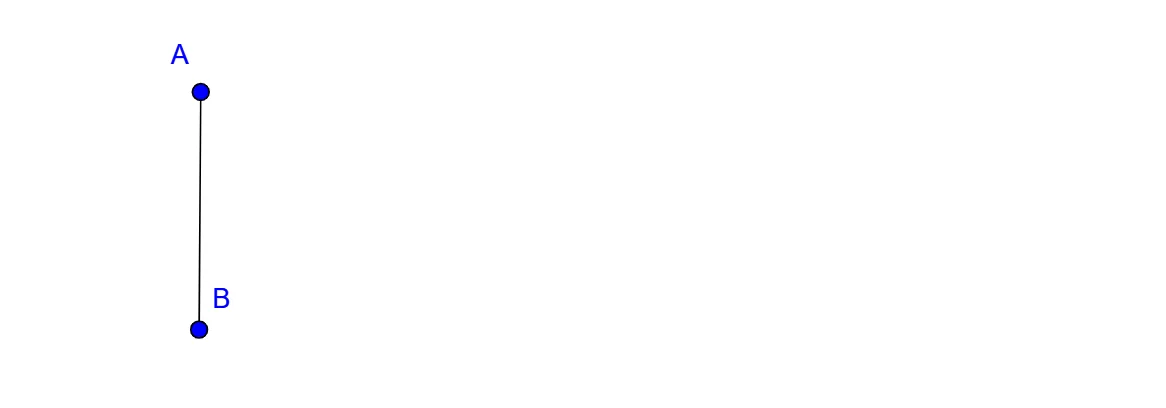
Segment(A, B) → f
AI Drawing Prompt Reference
Draw a geometric figure consisting of line segments and angles. The figure should include points A, B, f, and E along with related segments. The construction order should start by drawing segment f between points A and B, then connecting other points to form angles and triangles. Ensure the figure clearly shows these geometric relationships, suitable for geometry teaching demonstrations.
The prompt above was compiled from the original drawing commands and is for reference only.