
Sector Area Calculation
Loading the math board and drawing, please wait…
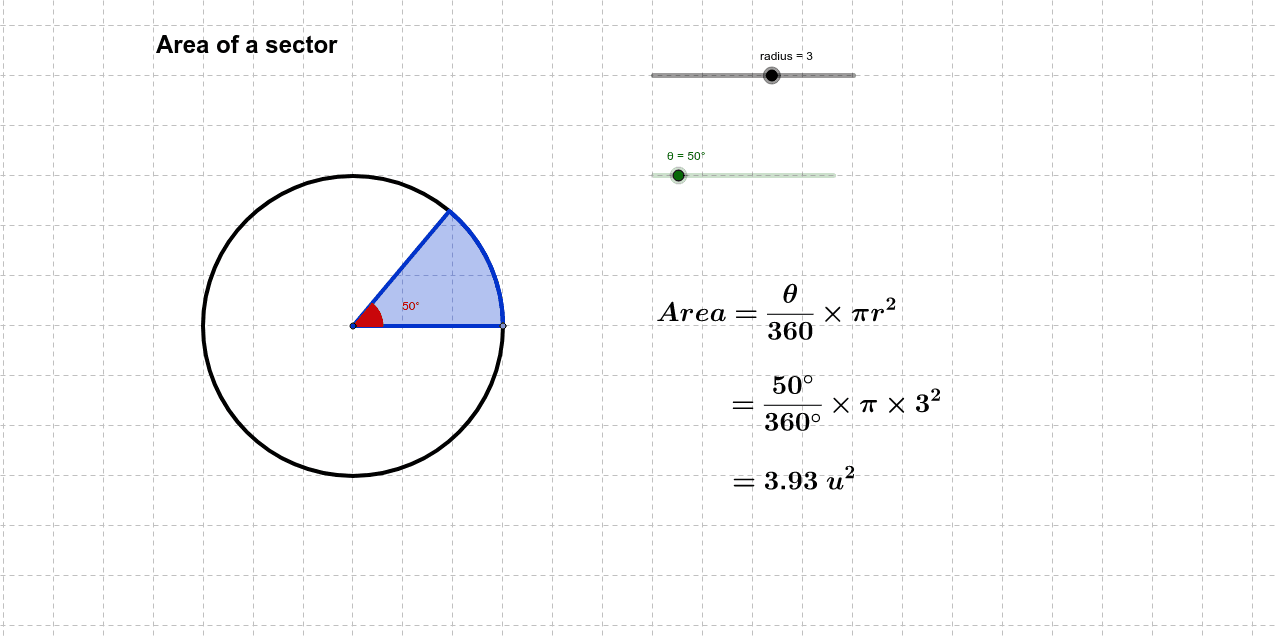
This example demonstrates how to dynamically calculate and visualize the area of a sector using GeoGebra. It involves core mathematical concepts such as the area formula of a circle, the relationship between angles and sector areas, and geometric transformations like rotation. Key GeoGebra commands used include Circle, Point, Rotate, Angle, and CircleSector. Suitable for high school mathematics education to understand the formula for sector area and its practical applications.
GeoGebra Commands & Parameters
Circle(A, radius) → cPoint(c) → BRotate(B, θ, A) → B'Angle(B, A, B') → αCircleSector(A, B, B') → d