
Rotations Basics
Loading the math board and drawing, please wait…
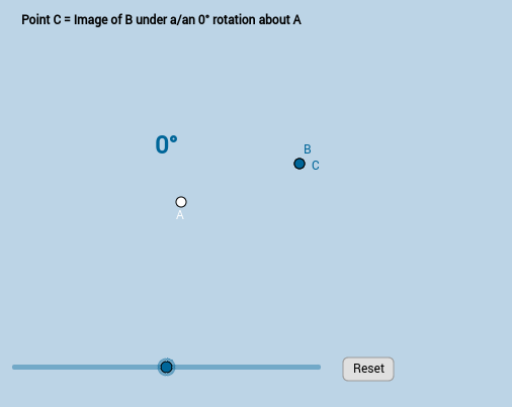
This example demonstrates the process of rotation transformation in a 2D plane, involving points and line segments. Key math concepts include rotation, unit circle, angles, and distance calculations. GeoGebra commands used are Distance, Rotate, Segment, Circle, Intersect, and CircleSector. Suitable for middle school students and above learning geometric transformations, trigonometry, and analytical geometry, or for classroom demonstrations.
GeoGebra Commands & Parameters
Distance(A, B) → dRotate(B, α, A) → CSegment(A, B) → fSegment(A, C) → gCircle(A, (0.2 * f)) → cIntersect(c, f) → C_1,Intersect(c, g) → D,CircleSector(A, C_1, D) → hCircleSector(A, B, C) → kCircleSector(A, D, C_1) → pCircleSector(A, C, B) → qCircle(A, B) → r
AI Drawing Prompt Reference
Draw two points on a plane. Use one point as the center of rotation, and rotate the other point around it by a given angle to create a third point. Connect the center to both other points with line segments. Draw a small circle centered at the rotation center, intersecting both segments at two points. Create two circular sectors: one using the center, the intersection points, and the rotated points to show the angle before and after rotation. Finally, draw a larger circle centered at the rotation center with radius equal to the distance from the center to the original point, serving as a reference circle. This illustrates the rotation transformation with points, segments, sectors, and circles.
The prompt above was compiled from the original drawing commands and is for reference only.