
Rotation of Solids: Function and Solid Geometry
Loading the math board and drawing, please wait…
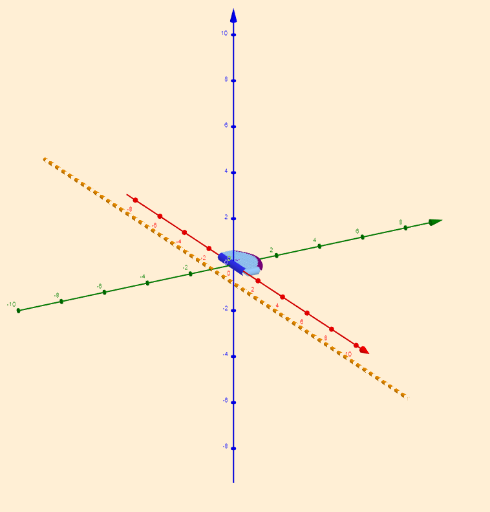
This example demonstrates how to generate a solid of revolution by rotating a planar figure, combining function graphs with solid geometry. Key mathematical concepts include rotation of solids, function graphs, coordinate systems, and geometric transformations. Construction involves GeoGebra commands such as CurveCartesian, Rotate, and Segment. Suitable for high school students or college freshmen to understand the intuitive understanding of solid geometry and function graphs.
GeoGebra Commands & Parameters
Textfield(f) → InputBox1Textfield(g) → InputBox2Textfield(b) → InputBox3Textfield(c) → InputBox4CurveCartesian(t, f(t), t, b, c) → aSequence(Segment[(a, k(a)), (a, f(a))], a, b, c, 0.1) → list3Rotate(list3, α, g) → list3'Rotate(a, α, g) → a'CurveCartesian(w, k(w), w, b, c) → hTextfield(k) → InputBox5Rotate(h, α, g) → h'Segment(A, B) → iRotate(A, β, g) → A'Rotate(B, β, g) → B'Segment(A', B') → i'
AI Drawing Prompt Reference
Draw a solid generated by rotating a planar figure. First, define a function curve and a rotation angle. Then, draw the curve and rotate it to form a rotated curve. Next, define another function and draw a curve, then rotate it. Finally, draw a line segment connecting the rotated points. The process involves rotation and connection to build the figure, ensuring it relates to the function curves and rotation angle.
The prompt above was compiled from the original drawing commands and is for reference only.