
Representing Contexts with Equations
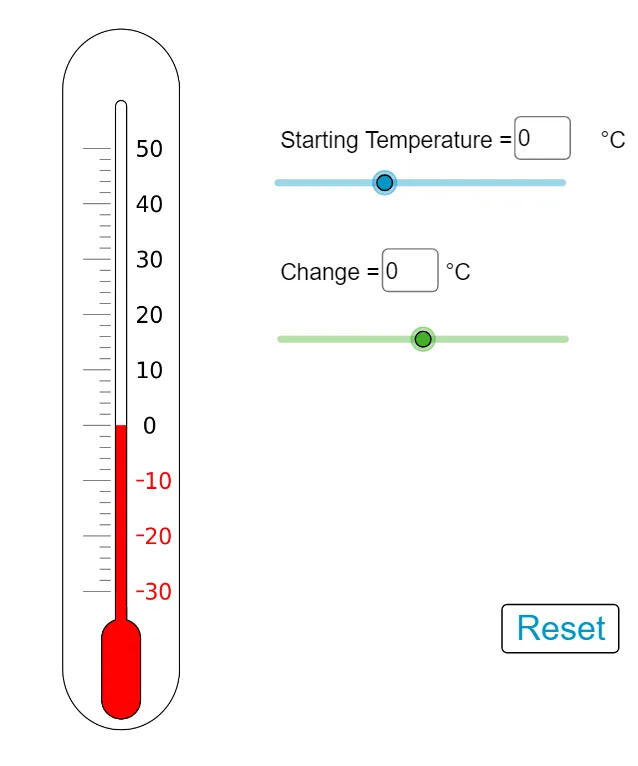
Loading the math board and drawing, please wait…
This example demonstrates how to represent real-world contexts with equations. Key mathematical concepts include equations and functions. Using GeoGebra commands such as Point, Polygon, Textfield, etc., the example constructs scenarios represented by equations.
GeoGebra Commands & Parameters
Point(yAxis) → AMidpoint(A, B) → G_1Polygon(C, D, F_1, E) → poly1, h, d, f, eTextfield(a) → InputBox1Textfield(b) → InputBox2Textfield(c) → InputBox3Polygon(H_1, I_1, J, K) → poly2, h_1, i, j, kPoint(xAxis) → LCircle(L, abs(a) / 10) → gIntersect(g, xAxis) → M, NRotate(M, 90°, L) → QVector(L, Q) → uRotate(N, 90°, L) → PVector(L, P) → vVector(O, S) → wVector(R, T) → lTextfield(q) → InputBox4
AI Drawing Prompt Reference
Draw a coordinate system with an x-axis and a point on it. Create a circle centered at this point with radius a/10, intersecting the x-axis at two points. Rotate these points 90° clockwise around the center to get two new points, and draw vectors from the center to each new point. Construct two polygons using four points each, and add text input boxes for parameters a, b, c, and q in appropriate places.
The prompt above was compiled from the original drawing commands and is for reference only.