
Reflections: Exploring Triangle Mirror Images
Loading the math board and drawing, please wait…
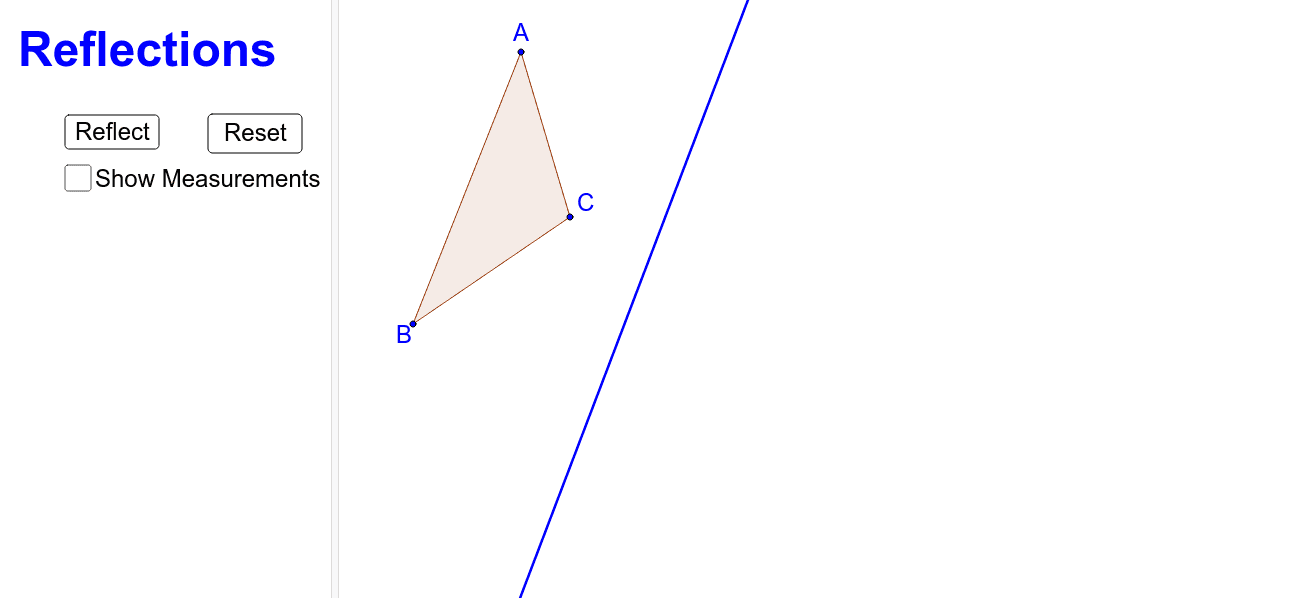
This GeoGebra example dynamically demonstrates the reflection (mirror) transformation of a triangle across a line, visually showing the symmetric relationship between the original figure and its image. Core mathematical concepts include reflection (axial symmetry), congruent figures, equality of corresponding sides and angles, and the invariance of perimeter under reflection. Construction highlights: using the Polygon command to create triangle ABC, the Line command for the mirror axis, the Mirror command to generate triangle A'B'C' and its sides (a', b', c'), the Intersect and Angle commands to mark intersection points and angles, plus buttons (button1, button2) to control the reflection animation and text (text1) to display key information. This example is suitable for middle school to high school students learning geometric transformations, helping them understand properties of axial symmetry and explore how reflection affects shape and size. It also serves as a valuable classroom demonstration or self-study resource for teachers and learners.
GeoGebra Commands & Parameters
Polygon(A, B, C) → poly1, c, a, bLine(D, E) → dMirror(A, d) → A'Mirror(B, d) → B'Mirror(C, d) → C'Polygon(A', B', C') → poly1', c', a', b'Segment(A, A') → eSegment(C, C') → fSegment(B, B') → gIntersect(d, e) → XIntersect(d, f) → YIntersect(d, g) → ZAngle(B', Z, Y) → αAngle(C', Y, X) → βAngle(A', X, E) → γ