
Reflection Maze 3
Loading the math board and drawing, please wait…
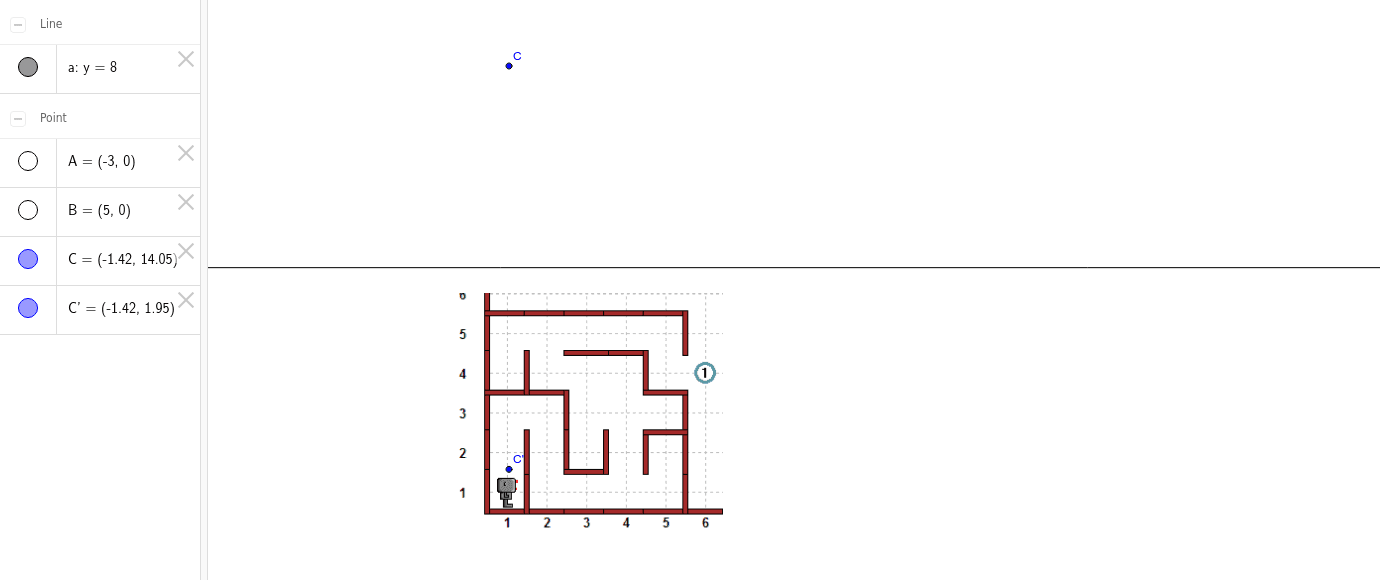
This example demonstrates constructing complex geometric mazes through reflection transformations. It involves core math concepts like reflection, geometric transformations, quadratic equations, secant lines, and general quadrilaterals. The construction uses GeoGebra's Mirror command on objects A, B, pic1, a, C, and C'. Suitable for high school students learning geometric transformations and analytical geometry.
GeoGebra Commands & Parameters
Mirror(C, a) → C'
AI Drawing Prompt Reference
Draw a complex geometric maze built through reflection transformations. Start with a straight line as the axis of symmetry. Place a point on one side of the axis and construct its mirror image across the line. On the other side, add a polygon or closed shape, then reflect it over the axis to create its mirrored counterpart. Include a curve or segment that crosses the axis, and reflect that curve as well. Finally, place two additional points on opposite sides of the axis and reflect each across the line, so the whole composition forms an interlocking, maze-like pattern that emphasizes reflection symmetry and geometric transformation.
The prompt above was compiled from the original drawing commands and is for reference only.