
Reflecting a Triangle Across Axes
Loading the math board and drawing, please wait…
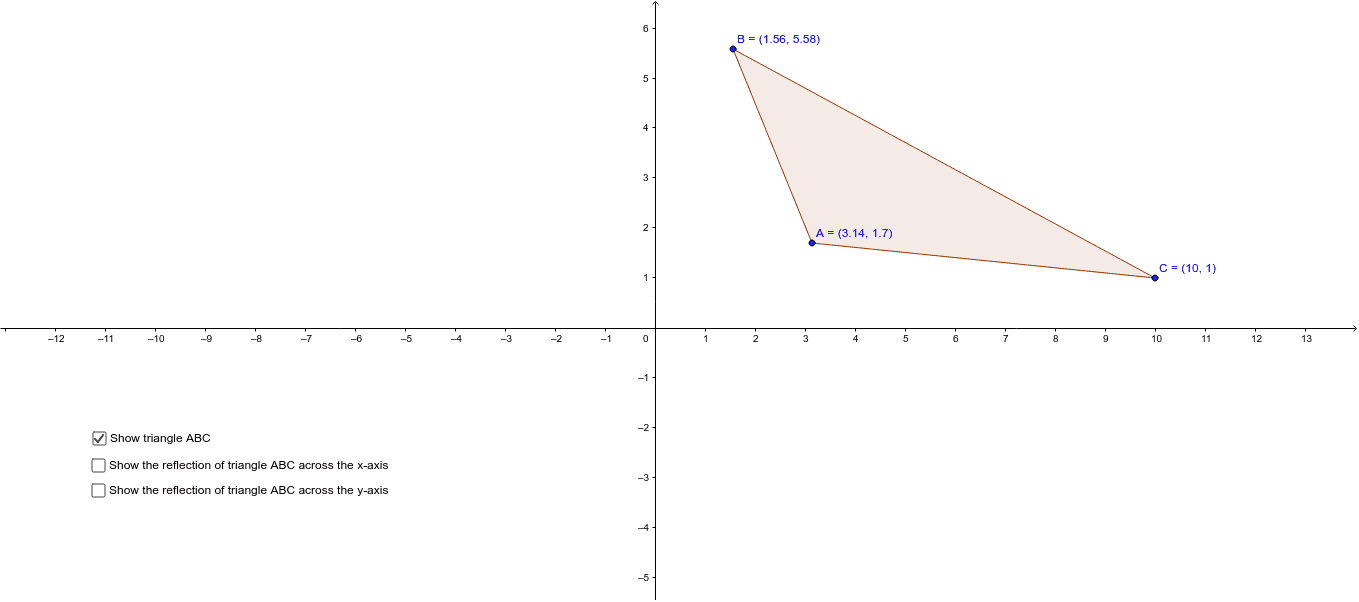
This example demonstrates how to reflect a triangle across the x-axis and y-axis using GeoGebra. It involves core mathematical concepts such as coordinate transformation, symmetry, and analytical geometry. Key construction steps include creating a triangle with the Polygon command, using the Mirror command for reflections, and observing the relationships between the original and transformed figures. Suitable for high school mathematics education to help students understand the principles of coordinate and geometric transformations.
GeoGebra Commands & Parameters
Polygon(A, B, C) → poly1, c, a, bMirror(A, yAxis) → A'Mirror(B, yAxis) → B'Mirror(C, yAxis) → C'Polygon(A', B', C') → poly1', c', a', b'Mirror(A, xAxis) → A'_1Mirror(B, xAxis) → B'_1Mirror(C, xAxis) → C'_1Polygon(A'_1, B'_1, C'_1) → poly1'_1, c'_1, a'_1, b'_1
AI Drawing Prompt Reference
Draw a triangle and reflect it across the x-axis and y-axis to obtain two new triangles, showing the correspondence and positional changes between all triangles to demonstrate coordinate transformation and symmetry principles.
The prompt above was compiled from the original drawing commands and is for reference only.