
Rectangle Morphing Demo
Loading the math board and drawing, please wait…
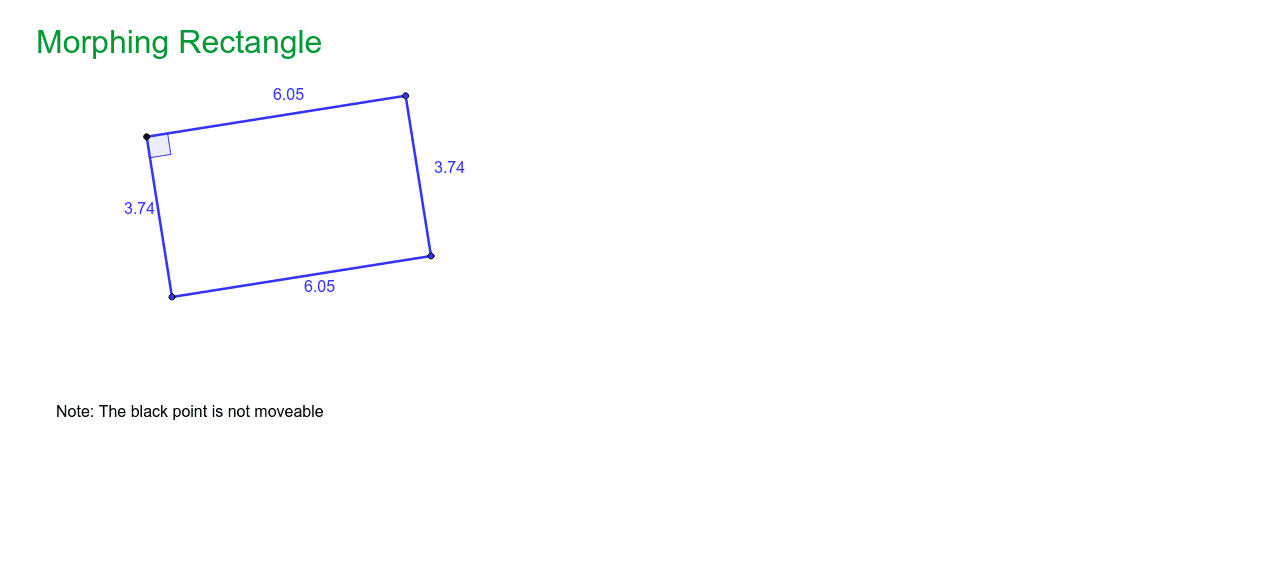
This example demonstrates how a rectangle retains its properties through dynamic manipulation, focusing on geometric transformations and symmetry. Core concepts include coordinate geometry, centroid, and transformations. Constructed using GeoGebra commands like Segment, OrthogonalLine, Point, Intersect, and Angle. Ideal for high school mathematics education to explore geometric properties and transformations.
GeoGebra Commands & Parameters
Segment(A, B) → aOrthogonalLine(B, a) → bPoint(b) → COrthogonalLine(C, b) → cOrthogonalLine(A, a) → dIntersect(c, d) → DSegment(A, D) → eSegment(B, C) → fSegment(C, D) → gAngle(A, D, C) → α
AI Drawing Prompt Reference
Draw a dynamic rectangle. Start with a horizontal base segment. From one endpoint, construct a perpendicular line upward and pick a point on it as the second vertex. Through that point, draw a line perpendicular to the previous perpendicular, and from the other base endpoint draw another perpendicular to the base. The intersection of these two lines gives the fourth vertex. Connect all four vertices to form the rectangle, and mark one interior angle. The figure should show that the rectangle maintains parallel opposite sides, equal lengths, and right angles under transformation.
The prompt above was compiled from the original drawing commands and is for reference only.