
Reasoning about Equations and Tape Diagrams Practice (Part 1)
Loading the math board and drawing, please wait…
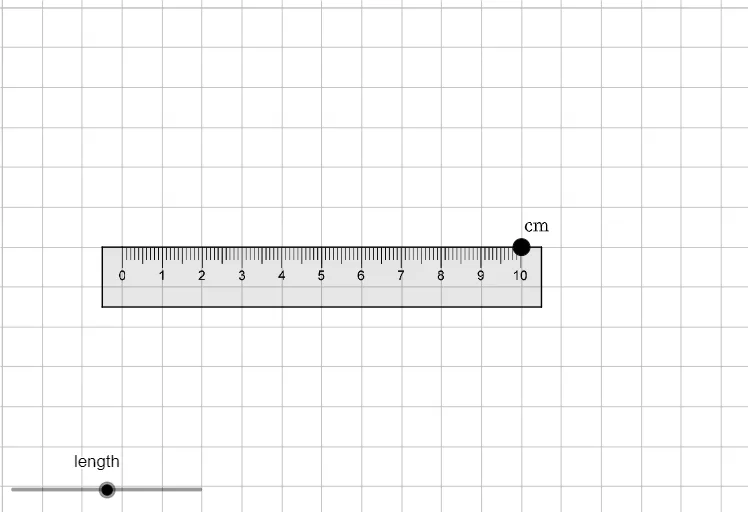
This example demonstrates how to solve mathematical problems using tape diagrams and equations with GeoGebra; core math concepts include equation reasoning, number line representation, and vector operations; constructed using commands like Point, UnitOrthogonalVector, UnitVector, Polygon, and objects such as ruler, A_1 to A_6, v, u, poly1; suitable for middle school mathematics teaching, helping students understand the connection between equations and graphs, and enhancing logical reasoning skills.
GeoGebra Commands & Parameters
Point(Circle[A_1, ruler]) → A_6UnitOrthogonalVector(Segment[A_1, A_6]) → vUnitVector(Segment[A_1, A_6]) → uPolygon(A_1, A_2, A_3, A_4, A_5, A_6) → poly1, a_3, a_4, a_5, a_6, a_7, a_8
AI Drawing Prompt Reference
Draw a circle with center A1 and radius ruler. Then draw a line segment from A1 to A6, and find its unit orthogonal vector v and unit vector u. Finally, use points A1, A2, A3, A4, A5, and A6 to draw a hexagon.
The prompt above was compiled from the original drawing commands and is for reference only.